Blog · · IT Support in Tokyo Team
Core Web Vitals Checklist for Japanese Business Websites
A practical performance checklist for Japanese business websites covering LCP, INP, CLS, images, JavaScript, fonts, hosting, and mobile UX.
Speed Is a Trust Signal
For Japanese business websites, speed affects more than SEO. A slow page can make a company feel outdated, unreliable, or difficult to work with. Core Web Vitals give teams a practical way to measure the user experience that visitors actually feel on mobile and desktop.
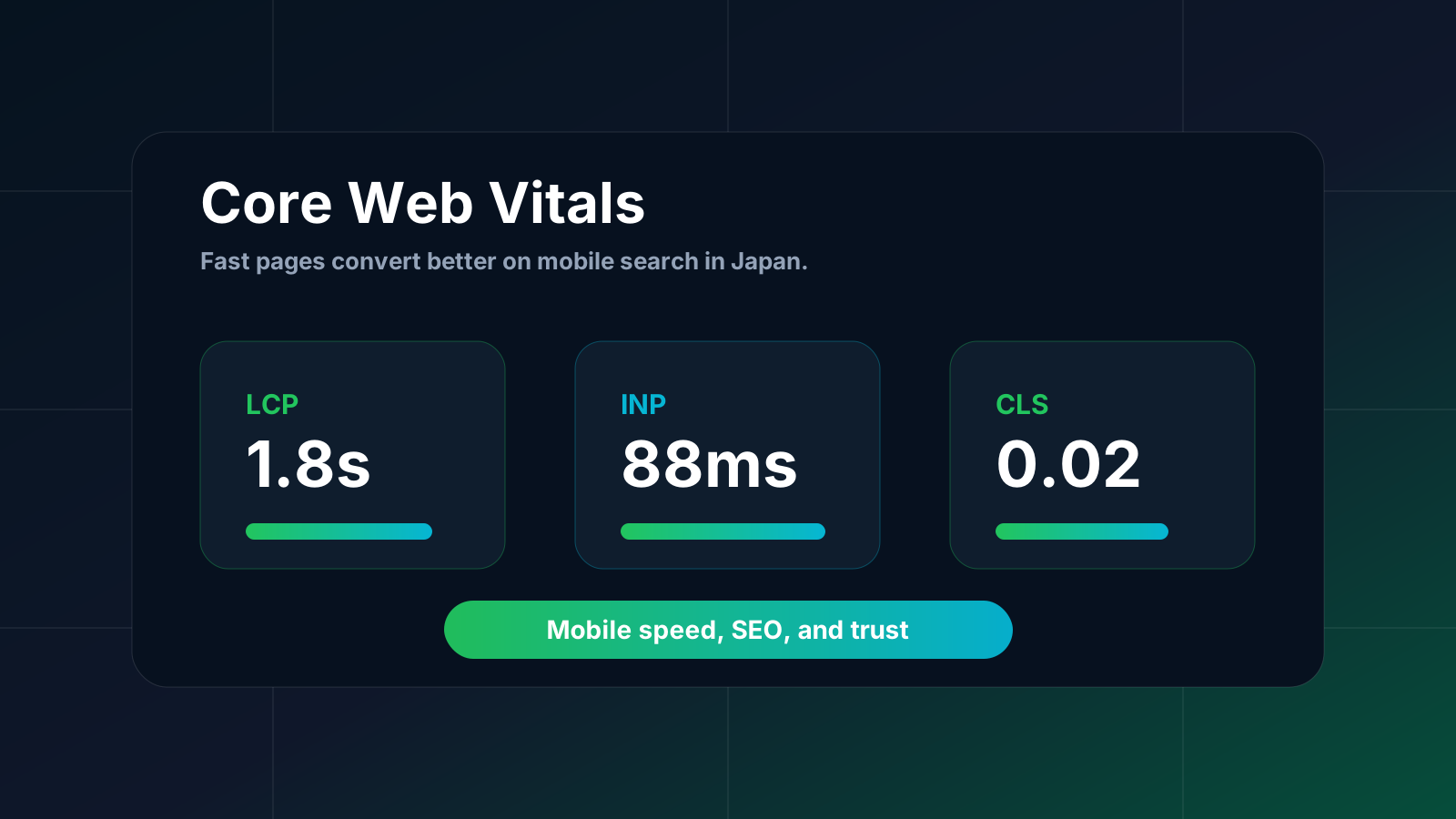
The three main metrics are LCP, INP, and CLS. LCP measures how quickly the main content appears. INP measures how responsive the page feels when users interact. CLS measures unexpected layout shifts.
Improve LCP First
Largest Contentful Paint is often affected by hero images, slow server response, blocking CSS, and heavy JavaScript. Use correctly sized images, modern formats, preload the main hero image when appropriate, and avoid loading unnecessary scripts before the page becomes useful.
On service pages, the first screen should communicate the offer quickly. A beautiful animation that delays the main message can hurt both SEO and conversions.
Reduce JavaScript for Better INP
Interaction to Next Paint is about responsiveness. Large JavaScript bundles, heavy animations, expensive scroll listeners, and complex third-party tools can make a mobile page feel slow even when the first render looks fine.
Split nonessential code, lazy-load admin tools, pause offscreen animations, and test on real mobile conditions. A page should respond quickly when users tap navigation, filters, calculators, language switchers, and contact buttons.
Prevent Layout Shift
Cumulative Layout Shift happens when elements move after the page starts loading. Reserve space for images, banners, embedded maps, ads, fonts, and dynamic widgets. Set width, height, or aspect-ratio for visual blocks so content does not jump.
This matters especially on mobile, where a button moving under a user’s finger can destroy trust.
Optimize Images and Fonts
Images are often the biggest performance win. Compress large PNGs, use WebP or AVIF when possible, and avoid shipping desktop-sized images to mobile. For fonts, use only the weights you need and make sure fallback fonts do not cause large shifts.
Japanese fonts can be heavy, so treat font loading as a design and performance decision, not an afterthought.
Measure Before and After
Use Lighthouse, PageSpeed Insights, Search Console, WebPageTest, and real analytics. Lab tools are useful, but field data from real visitors matters most. Test the homepage, service pages, blog posts, pricing calculator, contact page, and any page that receives paid traffic.
Performance is not a one-time cleanup. It should be part of every redesign, content update, and new feature release.
If your site feels slow or your mobile SEO is underperforming, ask us for a performance review. We can identify the highest-impact fixes before you spend money on a full rebuild.
日本企業サイトのためのCore Web Vitals改善チェックリスト
日本企業サイトの表示速度とSEOを改善するためのチェックリスト。LCP、INP、CLS、画像、JavaScript、フォント、ホスティング、モバイルUXを解説します。
表示速度は信頼性のサインです
日本企業のWebサイトでは、表示速度はSEOだけでなく信頼感にも影響します。遅いページは、古い会社、対応が遅そうな会社、使いにくい会社という印象を与えることがあります。Core Web Vitalsは、モバイルとデスクトップで実際にユーザーが感じる体験を測定する実用的な指標です。
主な指標はLCP、INP、CLSです。LCPはメインコンテンツが表示される速さ、INPは操作した時の反応の速さ、CLSは予期しないレイアウトのズレを測ります。
まずLCPを改善する
Largest Contentful Paintは、ヒーロー画像、サーバー応答、ブロッキングCSS、重いJavaScriptの影響を受けやすいです。適切なサイズの画像を使い、WebPなどの形式を利用し、必要に応じてメイン画像をpreloadし、ページが使えるようになる前に不要なスクリプトを読み込まないようにします。
サービスページでは、ファーストビューで提供内容がすぐ伝わることが重要です。美しいアニメーションでも、主要メッセージの表示を遅らせるならSEOとコンバージョンに悪影響があります。
JavaScriptを減らしてINPを改善する
Interaction to Next Paintはページの反応速度を表します。大きなJavaScriptバンドル、重いアニメーション、高コストなスクロール処理、複雑な外部ツールは、初回表示が速く見えてもモバイル操作を遅くします。
不要なコードを分割し、管理画面などを遅延読み込みし、画面外のアニメーションを停止し、実際のモバイル環境で確認しましょう。ナビゲーション、フィルター、料金計算、言語切替、問い合わせボタンはすぐ反応する必要があります。
レイアウトのズレを防ぐ
Cumulative Layout Shiftは、読み込み中に要素が動くことで発生します。画像、バナー、埋め込み地図、広告、フォント、動的ウィジェットには事前にスペースを確保しましょう。width、height、aspect-ratioを設定し、コンテンツが急に動かないようにします。
特にモバイルでは、ユーザーが押そうとしたボタンが指の下で動くと信頼を失います。
画像とフォントを最適化する
画像は改善効果が大きい領域です。大きなPNGを圧縮し、可能ならWebPやAVIFを使い、モバイルにデスクトップサイズの画像を送らないようにします。フォントは必要なウェイトだけを読み込み、代替フォントによる大きなズレを防ぎます。
日本語フォントは重くなりやすいため、フォント読み込みはデザインとパフォーマンスの両方の判断として扱うべきです。
改善前後を測定する
Lighthouse、PageSpeed Insights、Search Console、WebPageTest、実際のアクセス解析を使いましょう。ラボデータは便利ですが、最も重要なのは実際の訪問者のフィールドデータです。ホームページ、サービスページ、ブログ記事、料金計算、問い合わせページ、広告流入ページを確認します。
パフォーマンス改善は一度きりの掃除ではありません。リデザイン、コンテンツ更新、新機能追加のたびに見るべき品質項目です。
サイトが遅い、モバイルSEOが伸びないと感じる場合は、パフォーマンスレビューをご相談ください。全面リニューアルの前に、効果の大きい改善点を特定できます。