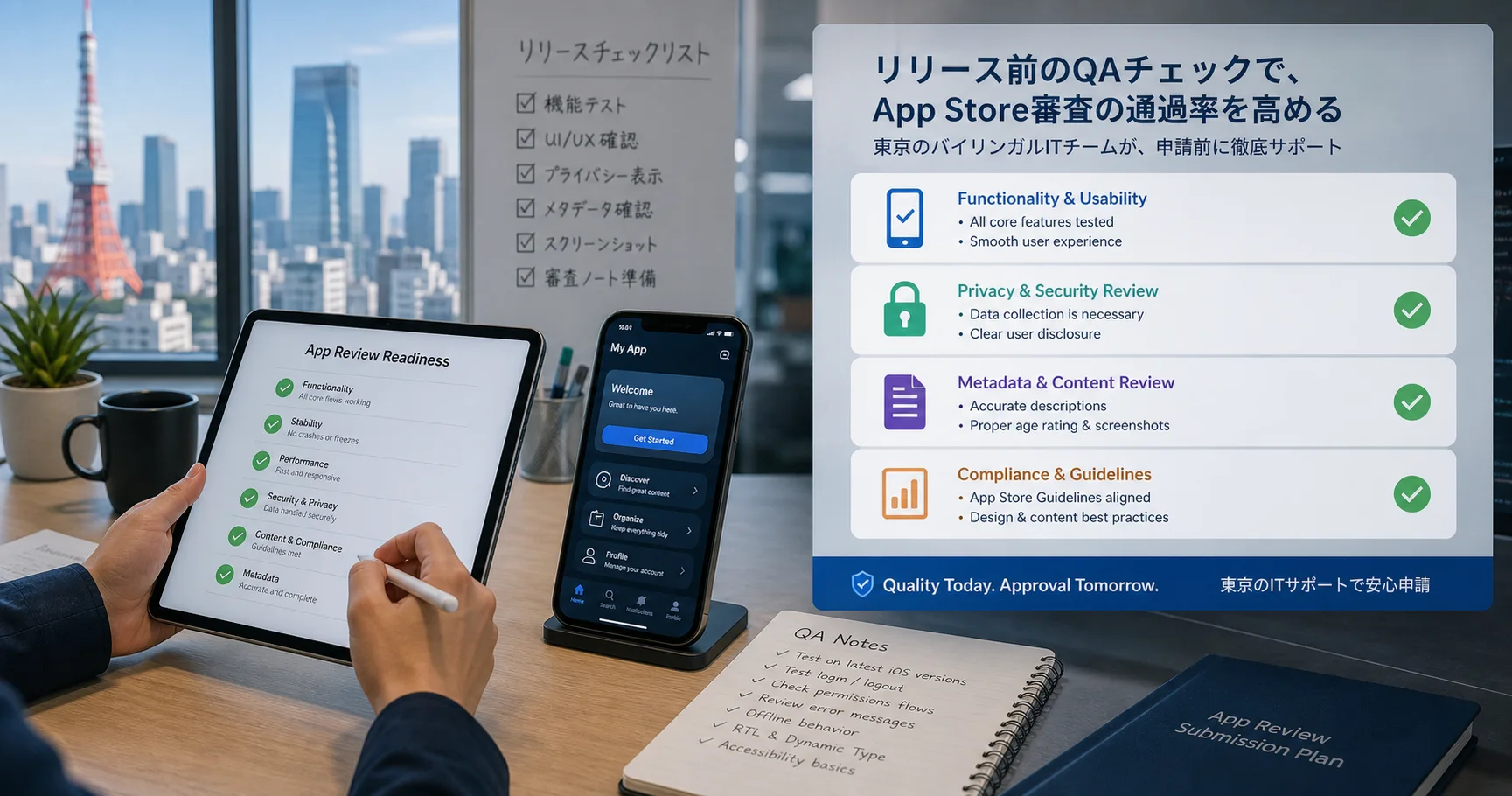
Improve Your Chances of App Store Approval with a Pre-Submission QA Check
Key takeaways
Before you submit your iOS app, IT Support in Tokyo can QA check crashes, login flows, metadata, privacy details, screenshots, and reviewer notes to reduce avoidable App Review delays.
App Review Is Not Only a Code Check
Many apps are delayed not because the core idea is bad, but because the submission is incomplete. A crash on launch, missing demo account, unclear privacy explanation, broken purchase flow, inaccurate screenshots, or vague review notes can slow down approval and create stressful back-and-forth with App Review.
Apple publishes detailed App Review Guidelines and practical App Review submission guidance. The challenge for busy founders and Japanese business teams is turning those requirements into a real pre-submit checklist.
Why Japanese Teams Should Be Extra Careful
Japan-based apps often need to communicate clearly across Japanese and English: app metadata, screenshots, support contacts, privacy policy, terms, in-app notices, and reviewer instructions. If the product serves Japanese customers but the review notes are too brief, or if the app has location-specific behavior that is not explained, the reviewer may not be able to test the intended flow.
A careful QA review helps make the app feel complete, trustworthy, and easy to evaluate. That matters for startups, restaurants, clinics, real estate teams, marketplaces, social apps, education apps, and internal tools preparing for public release.
What IT Support in Tokyo Checks Before Submission
- Crash and launch checks: the app opens cleanly, key screens load, and major flows do not break on real devices or simulators.
- Login and demo access: reviewer accounts, test credentials, role-based access, and locked content are documented clearly.
- Metadata and screenshots: app name, subtitle, description, keywords, screenshots, preview text, and support URLs match the actual product.
- Privacy and permissions: camera, photos, location, notifications, tracking, user data, and privacy policy language are reviewed for clarity.
- Payments and subscriptions: in-app purchases, pricing screens, restore purchase behavior, cancellation guidance, and paywall wording are checked.
- Japanese and English UX: text, spacing, labels, contact paths, and customer expectations are reviewed for a Japan-facing audience.
- Reviewer notes: we help write concise instructions so App Review can test the important flows without guessing.
Common Avoidable Reasons Apps Get Delayed
Some of the most preventable delays are simple: a feature requires login but no demo account is provided; screenshots show a screen that no longer exists; a privacy policy is missing or too generic; the app requests location or photo access without explaining why; a backend is not ready when the reviewer tests; or a Japanese-only flow is not described in English.
These issues are fixable before submission. The earlier they are found, the less expensive they are.
A Better Pre-Submission Workflow
- Run the app through first-launch, login, onboarding, main feature, payment, settings, support, and account deletion flows.
- Check App Store Connect metadata against the actual app experience.
- Confirm privacy policy, terms, contact email, and support page are live.
- Prepare demo accounts, sample data, test payment notes, and region-specific instructions.
- Write reviewer notes in clear English, with Japanese context where useful.
- Submit only after the app, website, backend, and App Store listing tell the same story.
How IT Support in Tokyo Helps
IT Support in Tokyo can review your iOS app before submission, create a practical QA report, flag likely review risks, and help improve the App Store Connect listing. We can also support bilingual Japanese-English copy, privacy explanations, screenshots, landing pages, backend readiness, and post-review fixes if Apple asks for changes.
No agency can guarantee App Store approval, because the final decision belongs to Apple. But a strong QA pass can reduce avoidable rejection risk and make the reviewer experience much smoother.
If your app is almost ready, book a pre-submission App Store QA check with IT Support in Tokyo before you press Submit for Review.