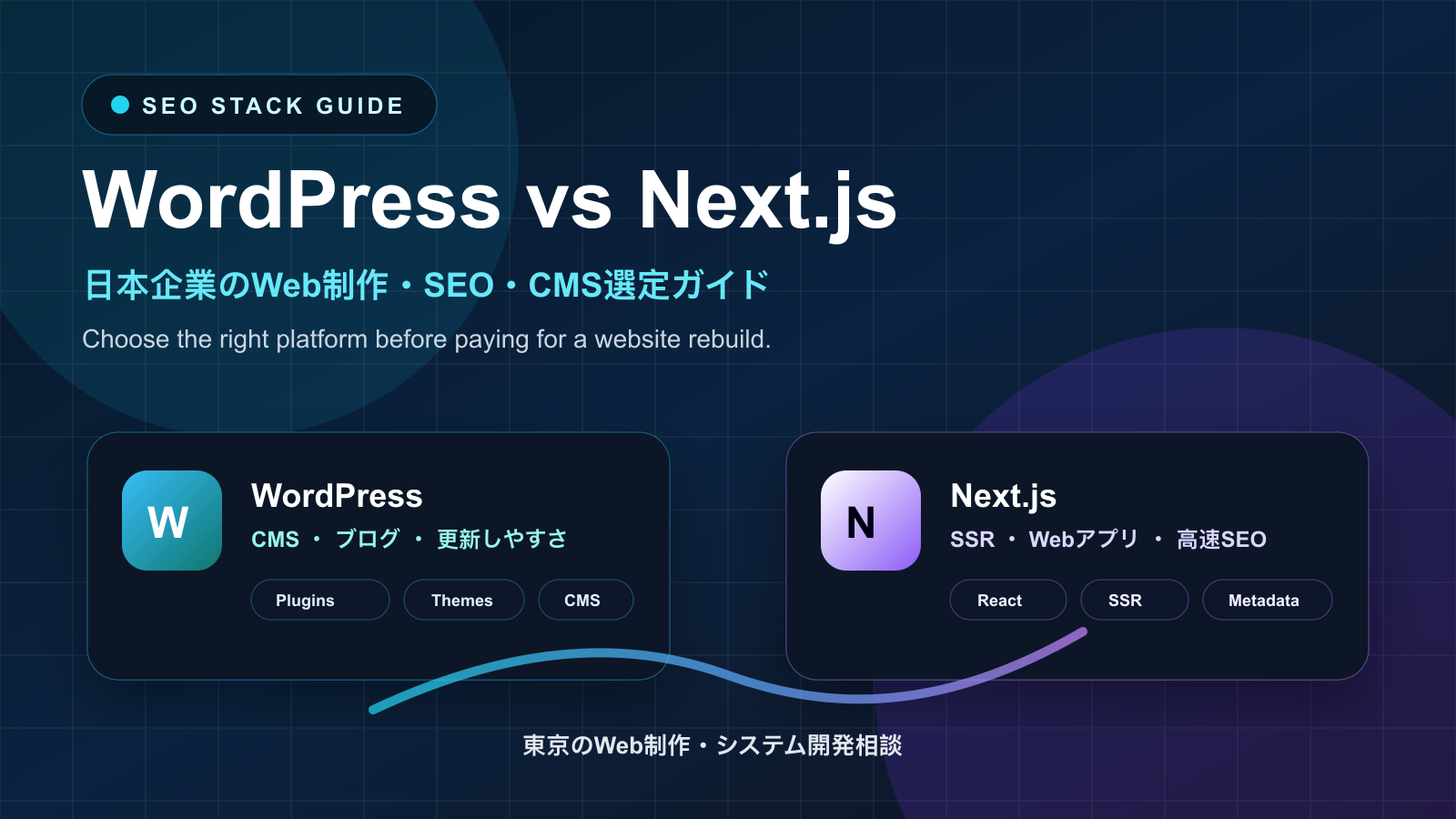
WordPress vs Next.js: Which Is Better for Your Business Website?
Key takeaways
A practical comparison of WordPress and Next.js for business websites, SEO, CMS editing, security, speed, web apps, and Tokyo website development projects.
Short answer: WordPress is still excellent when the main job is publishing content quickly. Next.js is usually better when the website is closer to a custom product: fast pages, structured SEO, app-like features, dashboards, APIs, authentication, multilingual routes, or long-term React development.
For Japanese companies, this decision should not start with a trend. It should start with the business workflow: who edits the site, how often content changes, whether SEO is strategic, whether the site needs login or forms, and how much technical control the company wants after launch.
When WordPress Is the Better Choice
WordPress is a mature content management system. It gives non-technical teams a familiar admin screen, themes, plugins, media management, categories, tags, drafts, scheduled publishing, and an editorial workflow. For blogs, small company websites, landing pages, news sections, and teams that need to update content every week, WordPress can still be the fastest practical choice.
WordPress also has a large ecosystem. Many features can be added through plugins: forms, SEO settings, redirects, caching, custom fields, multilingual content, ecommerce, memberships, and analytics. That is useful when speed and budget matter more than custom engineering.
Where WordPress Gets Risky
The same plugin ecosystem can become the risk. Too many plugins can slow the site, create update conflicts, expand the security surface, and make maintenance harder. A WordPress site that starts simple can become fragile if every new business request is solved by installing one more plugin.
For SEO, WordPress can perform well, but it needs discipline: clean theme output, fast hosting, image optimization, caching, schema, internal links, sitemap control, redirects, and regular updates. If the site is slow on mobile or has bloated templates, Google will not care that it is easy to edit.
When Next.js Is the Better Choice
Next.js is a React framework for building modern websites and web applications. In the App Router, teams can combine server-rendered pages, static generation, dynamic routes, metadata, API route handlers, and React components. That makes it strong for SEO-sensitive sites that also need custom product behavior.
Next.js is usually a better fit when your website needs login, account pages, dashboards, custom pricing calculators, multilingual routing, advanced structured data, external APIs, Supabase/Firebase integration, AI chatbots, search, or product-specific workflows. It also gives developers tighter control over performance, metadata, routing, caching, and deployment.
Where Next.js Gets Risky
Next.js is not magic. It usually needs a development team. A company cannot rely on a plugin marketplace in the same way it can with WordPress. Content editing must be planned: a headless CMS, Markdown, database-backed admin tools, or a custom editor. If the business needs daily non-technical editing and no developer support, pure Next.js may feel heavy.
The risk is building an over-engineered site when a CMS would have been enough. If your company only needs a simple brochure site and monthly blog updates, WordPress may be more efficient. If your site is becoming a product, Next.js becomes more attractive.
SEO Comparison
WordPress can rank very well when built cleanly. It has strong editorial tools and familiar SEO plugins. That makes it good for content-heavy businesses, local service pages, and companies publishing frequent articles.
Next.js gives more control over technical SEO. Developers can create server-rendered pages, route-level metadata, canonical URLs, hreflang, structured data, optimized images, sitemap logic, and faster application flows. For bilingual English/Japanese sites, custom SEO architecture can be easier to control in Next.js than in a plugin-heavy WordPress setup.
Security and Maintenance
WordPress security depends heavily on hosting, plugin quality, update discipline, backups, permissions, and admin hygiene. It is not automatically insecure, but neglected WordPress sites are common targets because the ecosystem is huge.
Next.js reduces some plugin-related risk because there is no typical WordPress admin/plugin stack. But it still needs secure coding, dependency updates, hosting configuration, form protection, access controls, environment variables, and monitoring. Next.js shifts risk from plugin maintenance to software engineering quality.
The Hybrid Option: Headless WordPress + Next.js
For some companies, the best answer is both. WordPress can act as the content backend, while Next.js renders the public site. This lets editors keep a familiar CMS while developers control frontend performance, routing, and SEO. The tradeoff is more architecture: API integration, preview workflows, cache invalidation, hosting, and deployment must be planned carefully.
Decision Checklist
- Choose WordPress if your priority is fast content editing, low upfront complexity, editorial publishing, and a familiar admin screen.
- Choose Next.js if your priority is custom UX, web app features, speed control, bilingual SEO architecture, API integration, and long-term product development.
- Choose headless WordPress + Next.js if editors need WordPress but the public site needs modern frontend control.
Need Help Choosing the Right Stack?
If you are deciding between WordPress, Next.js, or a hybrid CMS architecture, contact IT Support in Tokyo. We can audit your current site, estimate migration cost, plan SEO-safe redirects, and build a website that matches how your business actually operates.