How to Get Your Business on ChatGPT: 6-Step AI Search Guide
Key takeaways
Customers now ask ChatGPT, Gemini and Perplexity who to hire. Follow this 6-step GEO plan to make your business easier for AI assistants to find and recommend.
More of your future customers are asking ChatGPT, Gemini, Perplexity and Google's AI answers, "Who should I hire?"—and getting a short list instead of ten blue links. If your business is not on that list, you may never even know you lost the enquiry.
This guide shows, step by step, how to make your business easier for AI assistants to find, understand and mention. It is the same approach we use for our own company, and the one we run for clients as a Get found on ChatGPT (GEO, or generative engine optimization) service.
Want us to check where you stand?
Book a free consultation. We will test a handful of real customer questions and show you what AI assistants say about your business today.

Why "getting on ChatGPT" matters now
Buying behaviour is changing. People used to type keywords and compare several websites. Now they describe the situation in a sentence and expect one useful answer:
- "Which IT support companies in Tokyo help in English?"
- "Who can build a bilingual website for a small clinic?"
- "Recommend an accountant near Shibuya who speaks English."
The assistant replies with a handful of names and a one-line reason for each. The visitors who click through are already warm. Being absent from that answer is like being absent from page one of Google ten years ago.

A real example, and an honest caveat
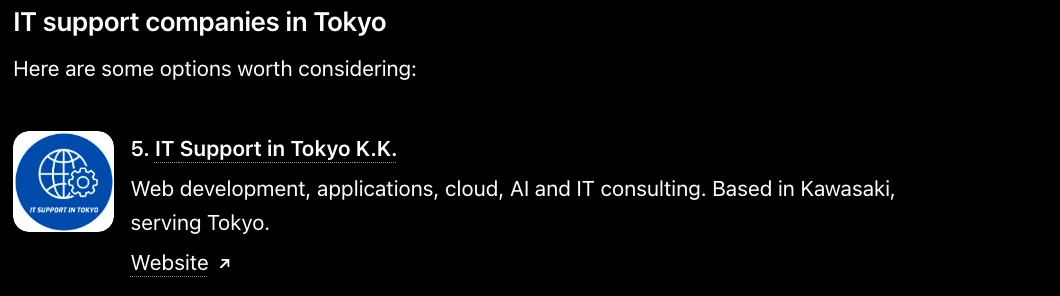
On November 17, 2026, we asked ChatGPT about IT support companies in Tokyo that provide technical assistance in English. Its answer listed five companies, and IT Support in Tokyo K.K. was one of them.
The 6-step plan to get your business recommended
Step 1. Write down the questions your customers really ask

List 10 to 20 questions in plain language: the problem, the place, the language, the budget. Mix short ones ("IT support Tokyo English") and long ones ("my office Wi-Fi keeps dropping, who can fix it in Minato-ku?"). These become your test set and your page topics.
Step 2. Make your website readable without JavaScript

Many AI and search crawlers read the HTML they receive and do not run your scripts. Open your page with JavaScript off. If your services, address and prices vanish, fix that first. Pre-rendered or server-rendered pages (for example with Next.js) solve this, and fast hosting close to your customers helps too.
Not sure what crawlers see on your site?
We will check your pages the way a crawler does and tell you in plain language what is missing.
Step 3. Add structured data and a machine-readable summary

Add schema.org JSON-LD for your organisation, services, location, articles and FAQs. Publish a clean sitemap and, if you like, an llms.txt file that summarises who you are and what you do for AI tools. These are not magic switches, but they remove ambiguity.
Step 4. Be present and consistent in Google, Bing and map listings

Assistants cross-check. Claim and complete your Google Business Profile, Bing Places and Apple Business listings. Use the same company name, address, phone number, hours and service description as on your website. For Bing, submit your sitemap and use IndexNow so changes are noticed quickly.
Step 5. Publish answer-style pages
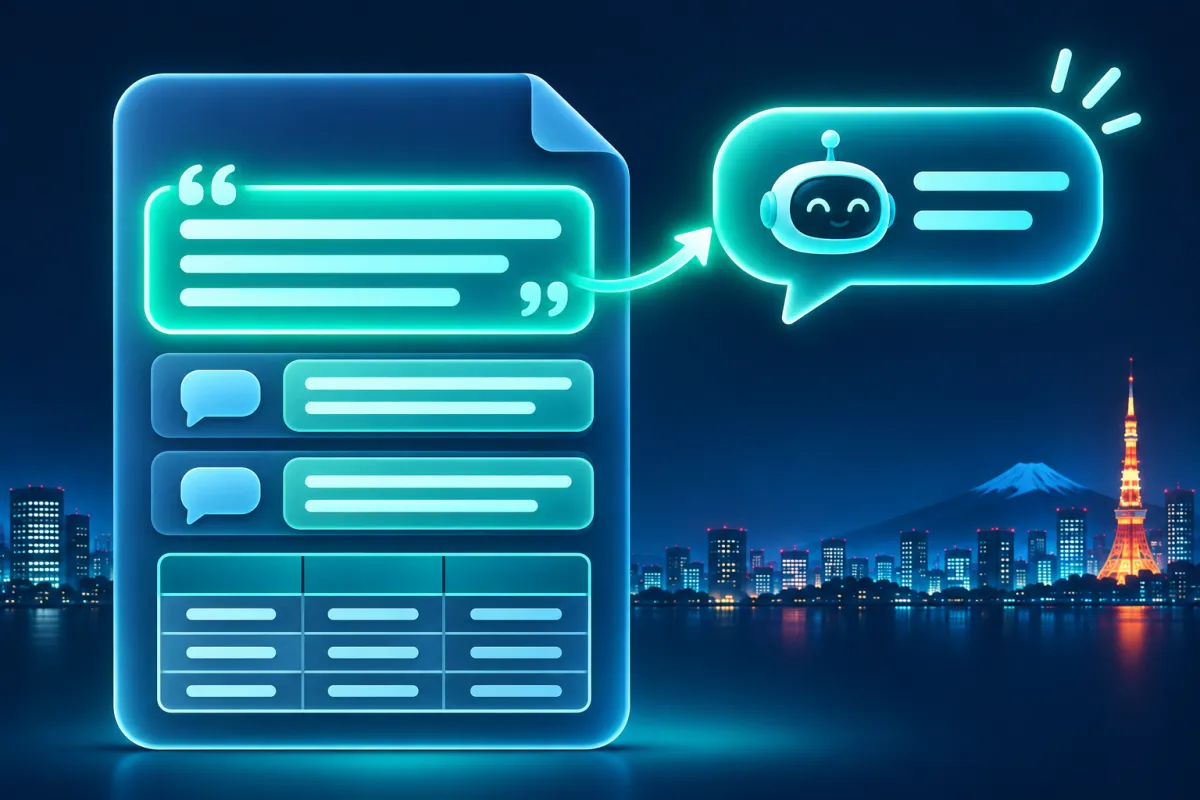
For each question from Step 1, write a page that answers it in the first two sentences, then adds detail, a comparison table, and an FAQ. Say clearly who you serve, where, and in which languages. Publish in both Japanese and English if your customers use both, and link the versions with hreflang.
Step 6. Test every month and improve

Ask your Step 1 questions in ChatGPT, Gemini, Perplexity and Google. Record whether you appear, what is said, and which sources are cited. Fix factual errors at the source and add pages for questions where you are missing. Results vary, so look for trends over months, not one lucky answer.
Quick map: what to fix and what it does
| Area | What to do | Why it helps |
|---|---|---|
| Website HTML | Pre-render key pages so content is in the first response | Crawlers read content without running scripts |
| Structured data | JSON-LD for organisation, services, FAQ; sitemap; optional llms.txt | Clear, machine-readable facts |
| Business listings | Google, Bing and Apple profiles with identical details | Independent confirmation that you exist |
| Content | Answer-first pages in Japanese and English with FAQs | Easy to quote and match to questions |
| Monitoring | Monthly test of real customer questions | See changes and fix gaps |
What we do for clients
Our Get found on ChatGPT service covers the whole list above: an AI-visibility audit with your real customer questions, bilingual Japanese and English page structure, structured data, crawlable pre-rendered pages on fast hosting, search-engine and map listing set-up, sitemap and IndexNow submission, and a monthly check of what AI assistants say about you. We explain every change in plain language. Read how we applied it to our own company in the case study.
We do not promise rankings or mentions. We make your business easier to find, verify and recommend, and we show you the evidence we observe.
What to do this week: checklist

- Monday: write down 10 real customer questions.
- Tuesday: open your top pages with JavaScript off and note what is missing.
- Wednesday: check your Google, Bing and Apple business listings for identical name, address and hours.
- Thursday: add an FAQ with direct answers to your most important service page.
- Friday: ask your questions in ChatGPT, Gemini and Perplexity and save the results.
Let's get your business into the answer.
Book a free consultation. We will test real questions for your market, review your site and listings, and give you a clear plan, in English or Japanese.
Frequently asked questions
How do I get my business on ChatGPT?
There is no form to submit. ChatGPT mentions businesses it can find and verify from the web, so you improve how readable, consistent and well-described your business is across your site, search engines, map listings and trusted sources.
Can anyone guarantee that ChatGPT will recommend my company?
No. Answers vary by person, location, wording and day, and the exact selection is not public. Be wary of anyone who guarantees placement.
What is generative engine optimization (GEO)?
GEO is the work of making your content and business information easy for AI assistants and AI search features to understand and cite. It builds on SEO, with extra focus on clear answers, structured data and consistent facts.
Is GEO different from SEO?
It overlaps heavily. Technical SEO, helpful content and local listings all matter. GEO adds testing real questions in AI assistants and writing answer-first content.
How long does it take?
Technical fixes can be quick, but search engines and AI tools update on their own schedules. Plan to measure over several months.
Do I need both a Japanese and an English site?
If your customers ask in both languages, yes. Separate, properly linked language versions help assistants answer in the right language.
Related: How IT Support in Tokyo appeared in a ChatGPT answer (case study) · Digital marketing and SEO in Tokyo · Web development.