
Cloud Storage for AI Content: Organize Images, Videos & Prompts
Key takeaways
Give AI images, video exports and prompts a place to stay organized. Build a reusable creative library with VirtualDrive’s free 20 GB.
Your best AI image should not disappear into a crowded Downloads folder. Keep generated images, video exports, prompts and selected finals together so you can find and reuse the work. VirtualDrive’s free 20 GB is a practical place to start a creative file library.
This guide covers storing files exported from your AI tools. It does not claim VirtualDrive generates content or automatically connects to a particular AI service.
Disclosure: IT Support in Tokyo worked on VirtualDrive’s public web experience. Reviewed November 16, 2026.
Make your next idea easier to find.
Start with a folder of your best images and the prompts behind them. Build your creative library with 20 GB free.
Create your free VirtualDrive accountA simple cloud storage workflow for AI content
- Generate and export
- Save originals and prompts
- Organize selected work
- Share the delivery
Organize around the project, rather than the tool that generated a file. Your image generator may change; the place where you keep finished assets can stay consistent.
Why use VirtualDrive for AI-generated files?
Start with your selected work
VirtualDrive advertises 20 GB free without ads. Begin with approved images, lightweight video review exports and prompt notes. An intentional selection is easier to manage than uploading every experiment.
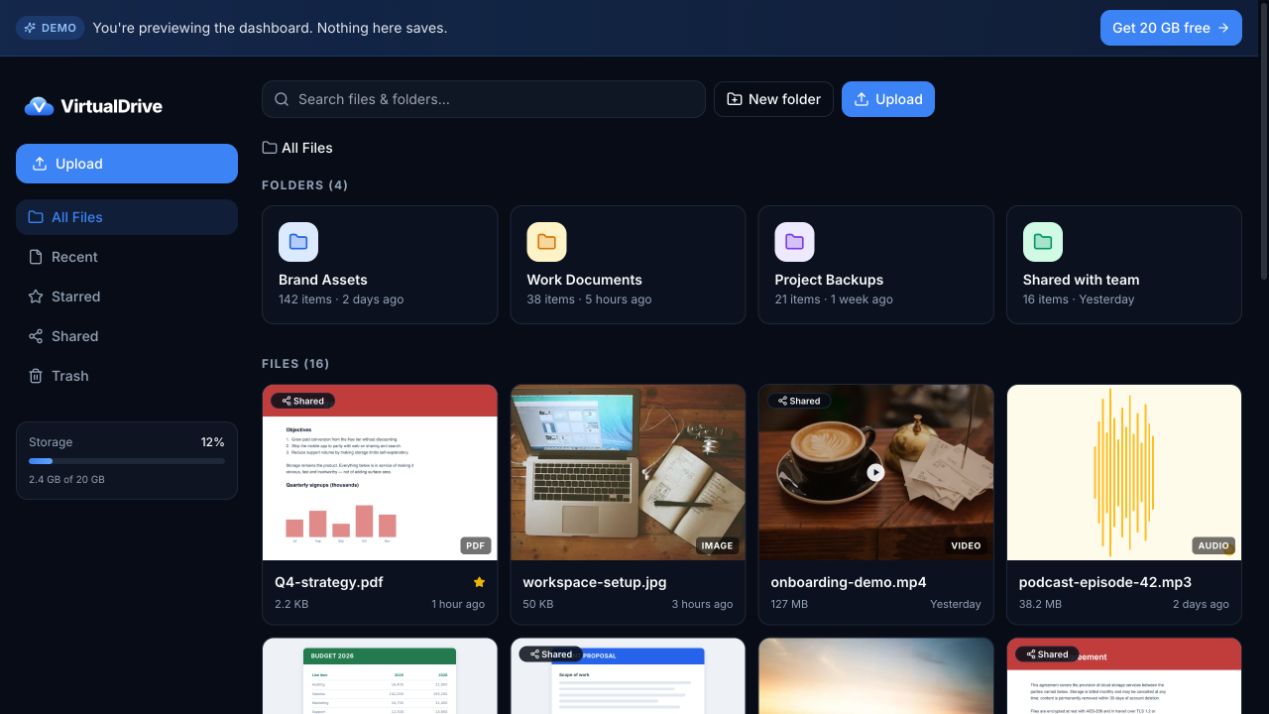
Bring your files from the desk to your phone
VirtualDrive offers web, iPhone and Android access. That suits reviewing an export away from your workstation or opening project documents during a meeting. Check supported formats and platform features before moving a project.
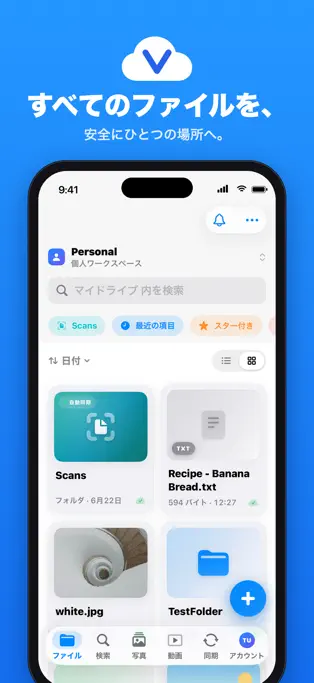
Separate AI image originals from approved exports
Keep the downloaded original, the selected version and the delivery export in distinct folders. Use a name such as 2026-11-16_project_social_v02.png so date, use and revision stay visible.
Project/
  Image originals/
  Video review exports/
  Prompts/
  Selected work/
  Delivery/
This is a suggested folder structure you create yourself, not a claim of automatic AI classification.
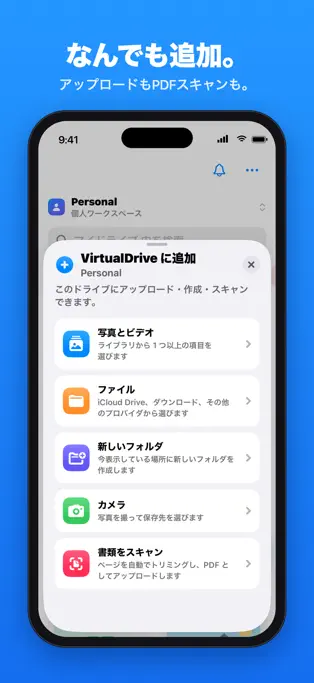
Check file limits before storing AI video
Account space and single-file limits differ. VirtualDrive’s FAQ lists 1 GB per file for free accounts; its developer page lists 5 GB per file on paid plans. Check your actual export size. Keep a large master separately when necessary and share a smaller review export.
Before removing any local original, verify the upload, download and playback, and keep a separate backup.
Save the prompt beside the result
Export a text note with the prompt, model, date, settings and edits. It makes a handoff more useful, even though the same settings do not guarantee an identical future result. Exclude credentials and private client information.
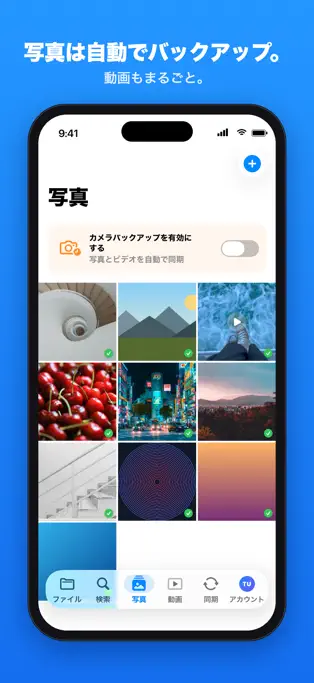
Share a clean delivery folder
Put approved exports and a brief explanation in the folder the recipient receives. Check link permissions and test the recipient experience in a separate browser. Confirm you have the rights to share any reference images, voices or client material.
Keep privacy and recovery in the workflow
VirtualDrive states it does not use files to train AI; review the current privacy policy. Its published at-rest and transport encryption is not end-to-end encryption. The service also says file version history is unavailable. Save revisions under separate names and keep important originals in an independent backup.
Frequently asked questions
What should I look for in cloud storage for AI content?
Compare total space, file-size limits, previews, search, sharing and export. VirtualDrive is an option with 20 GB free; test a small project before committing your library.
Can my AI tools save directly to VirtualDrive?
This guide uses manual export and upload. It does not assume an official integration or automatic saving from a particular generator.
Can I store prompts too?
Save them as text files alongside your images and video exports, without secrets or private information.
Make your next idea easier to find.
Start with a folder of your best images and the prompts behind them. Build your creative library with 20 GB free.
Create your free VirtualDrive accountiPhone and iPad / Android / Web
Related: VirtualDrive vs GigaFile / Top five cloud storage apps.
Official sources and review date
Checked November 16, 2026. Images are from the public demo and Japanese App Store listing. Features, storage allowances and terms can change.