Top 5 Cloud Storage Apps for 2027: iPhone, Android & Web Compared
Key takeaways
A practical 2027 planning guide to five cloud storage apps. Compare free space, iPhone and Android apps, web access, privacy, and everyday workflows, with a close look at VirtualDrive.
Quick answer: For people choosing a cloud storage app for 2027, our five picks are VirtualDrive, Google Drive, OneDrive, Proton Drive, and Dropbox. VirtualDrive is our first pick if you want the largest published free allowance in this shortlist—20 GB—with iPhone, Android, and web access. Google Drive is stronger for live document collaboration; OneDrive fits Microsoft 365; Proton Drive prioritizes end-to-end encryption; Dropbox remains a familiar choice for file sync and sharing.
Reviewed November 3, 2026. This is a guide for planning your 2027 setup, not a claim that we have tested future versions. Free allowances, app features, availability, and terms can change. Follow the official links before moving important files.
Disclosure: IT Support in Tokyo worked on VirtualDrive's public web experience. We therefore have a commercial relationship with the product we place first. This is an editorial comparison of published plans and product workflows, not independent laboratory testing or an audit of any provider's security. Our ranking reflects the criteria below; your best choice may differ.
Top five at a glance
| Pick | Free storage | Best fit | iPhone / Android / web | Check before choosing |
|---|---|---|---|---|
| 1. VirtualDrive | 20 GB | Everyday files, photos, and cross-device space | Yes / Yes / Yes | Published encryption at rest is not end-to-end encryption |
| 2. Google Drive | Up to 15 GB shared | Docs, Sheets, Gmail, and team editing | Yes / Yes / Yes | Storage is shared with Gmail and Photos |
| 3. OneDrive | 5 GB | Windows and Microsoft 365 | Yes / Yes / Yes | Microsoft account data can share the allowance |
| 4. Proton Drive | 2 GB, up to 5 GB after welcome actions | Private file storage | Yes / Yes / Yes | Complete welcome actions within 30 days for 5 GB |
| 5. Dropbox Basic | 2 GB | Simple sync and familiar sharing | Yes / Yes / Yes | Free capacity fills quickly with photos and video |
Free allowances come from the providers' official pages, checked November 3, 2026. The ranking is our judgment, not market share or an objective performance benchmark. A larger allowance does not prove stronger privacy or reliability.
How we ranked these apps
We looked for an app that works across iPhone, Android, and a browser; publishes a usable free starting allowance; makes files easy to find, move, and share; and gives a clear reason to choose it over the others. We also examined the providers' own security descriptions. We did not measure sync speed, uptime, or recovery time, and we did not purchase every paid tier. That keeps the ranking useful without presenting untested claims as facts.
1. VirtualDrive: our pick for 20 GB free across devices
VirtualDrive advertises 20 GB of free encrypted cloud storage with no payment card required. Its web, iPhone, and Android apps aim to keep one file library available across devices. That makes it a practical first stop if 2–5 GB is too small and you want to try a general-purpose drive before paying.
The product advertises camera backup, folders, file sharing, and mobile access. Its stated AES-256 encryption at rest and TLS in transit are useful protections, but they do not mean the provider cannot read file contents. If your requirement is provider-blind end-to-end encryption, consider Proton Drive instead and assess its smaller free tier.
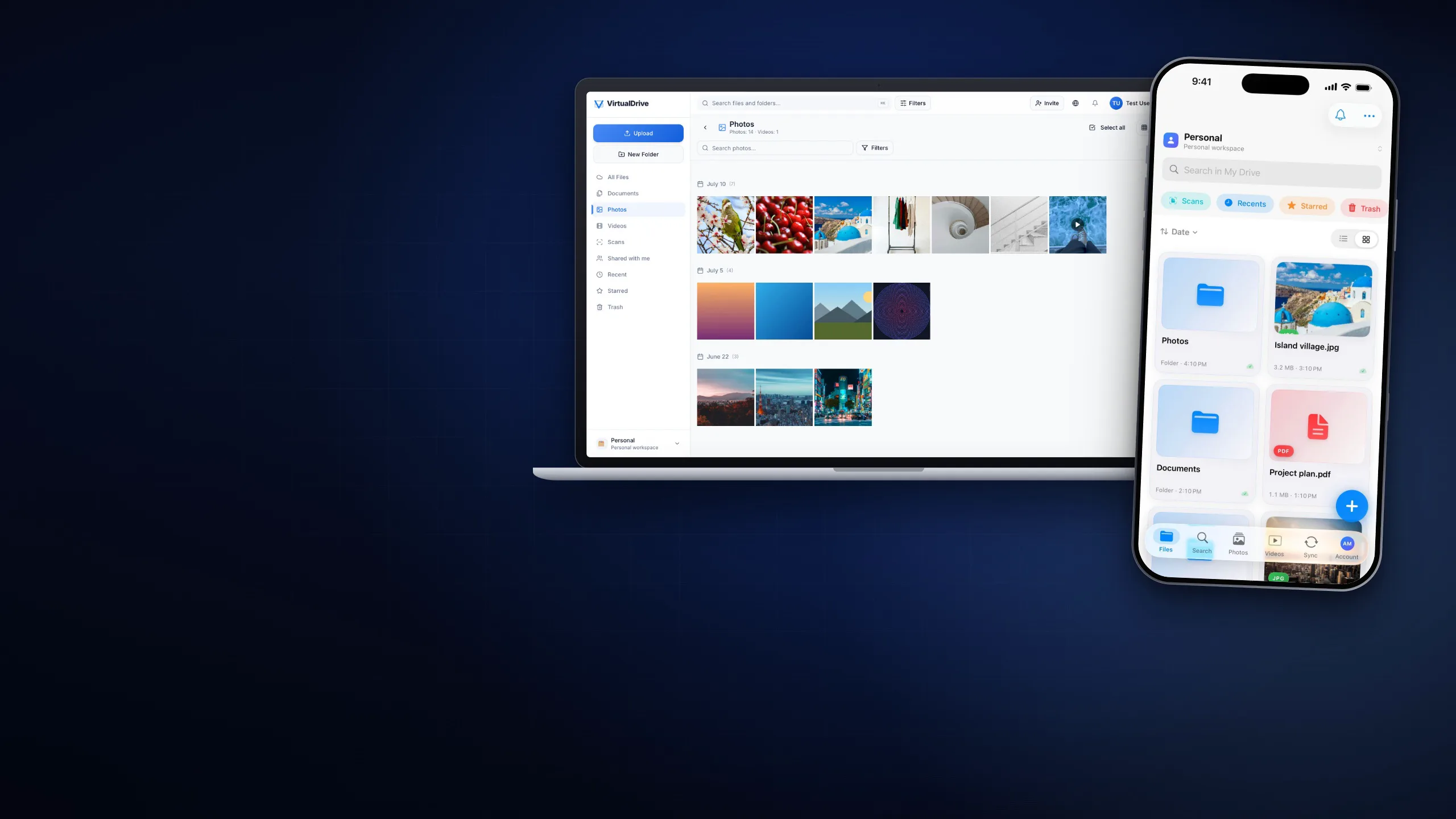
See the same service on iPhone, Android, and the web
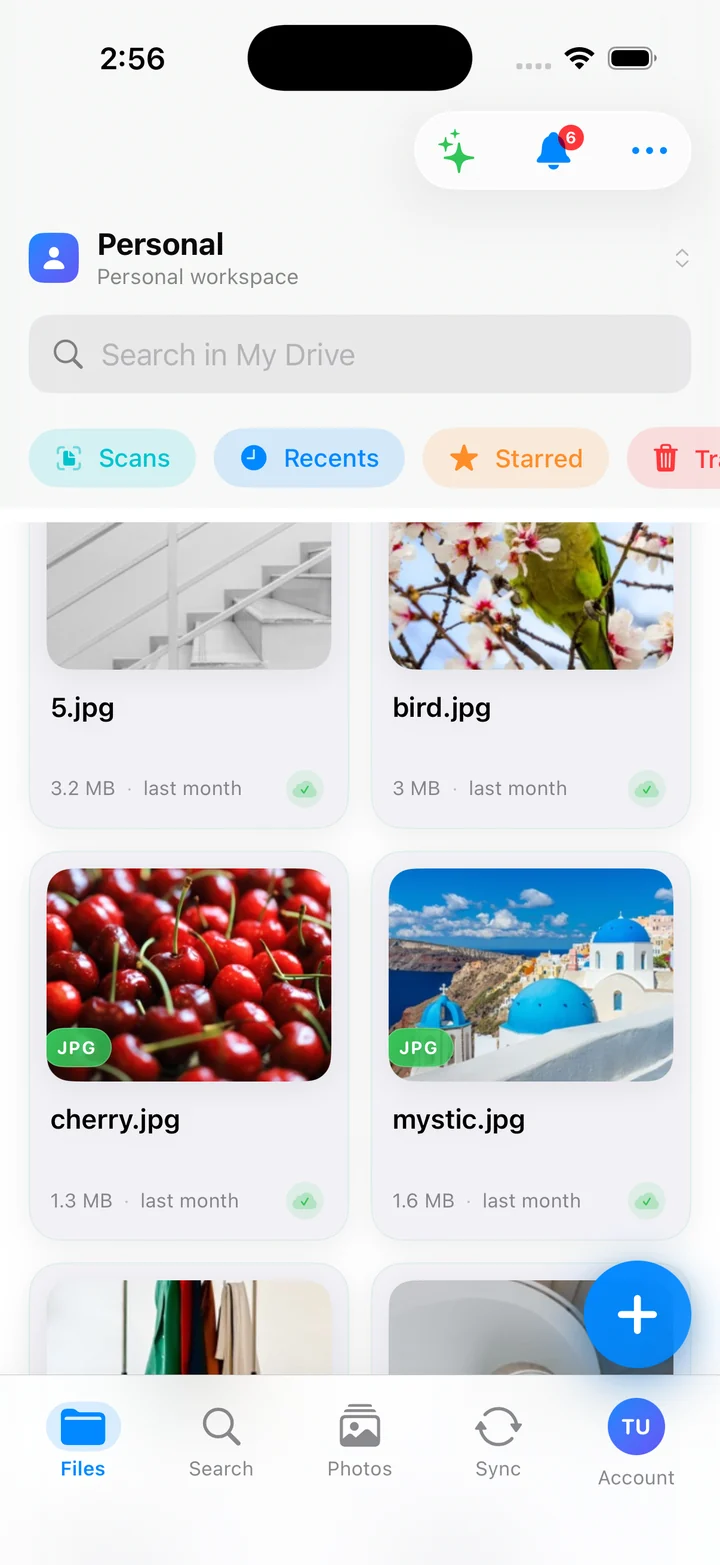
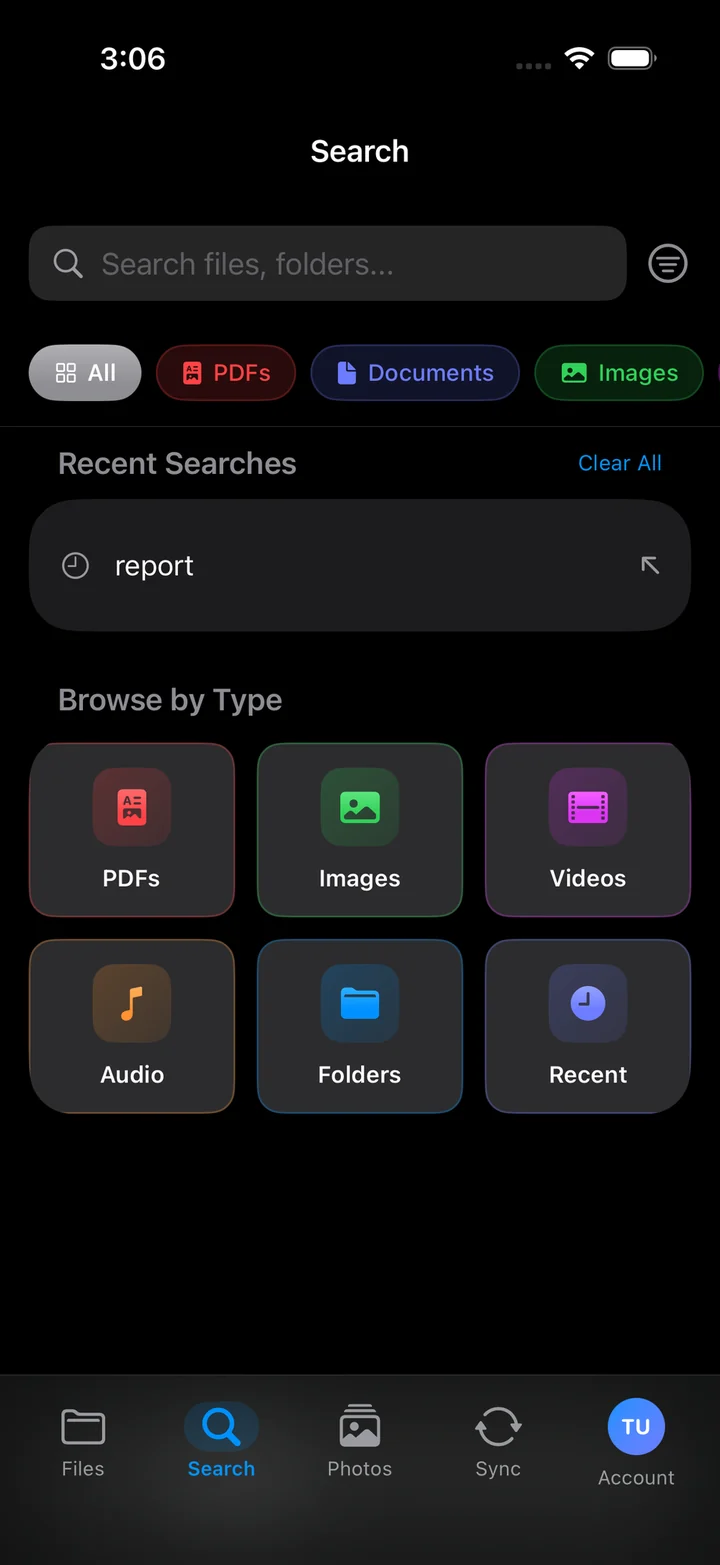
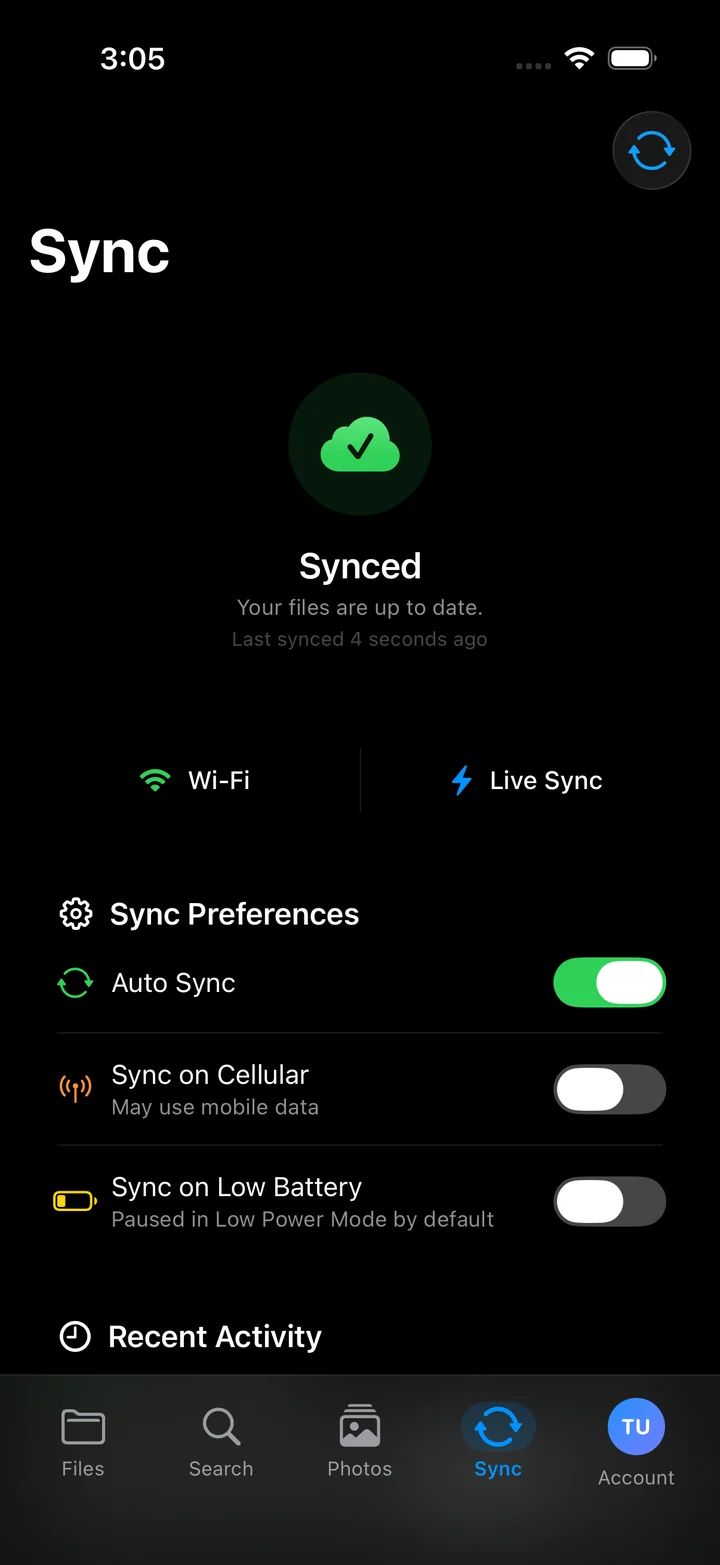
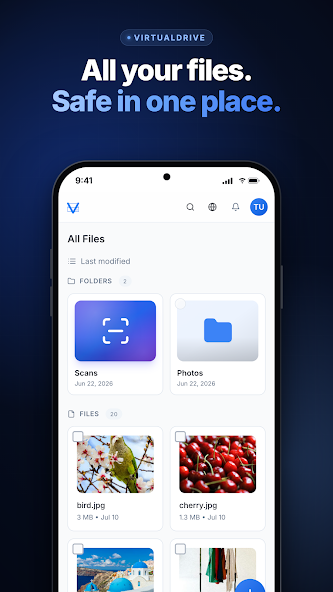
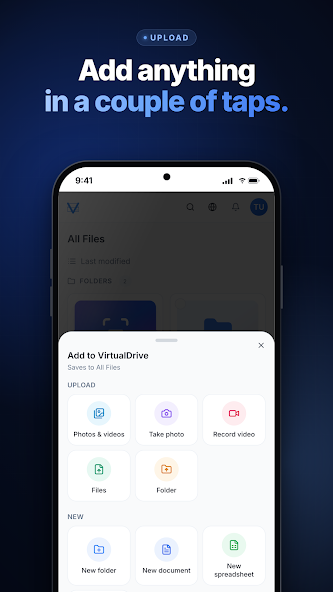
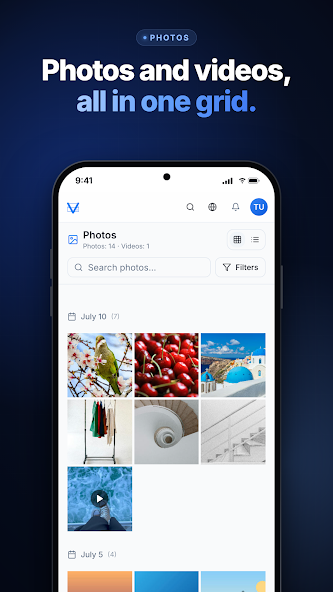
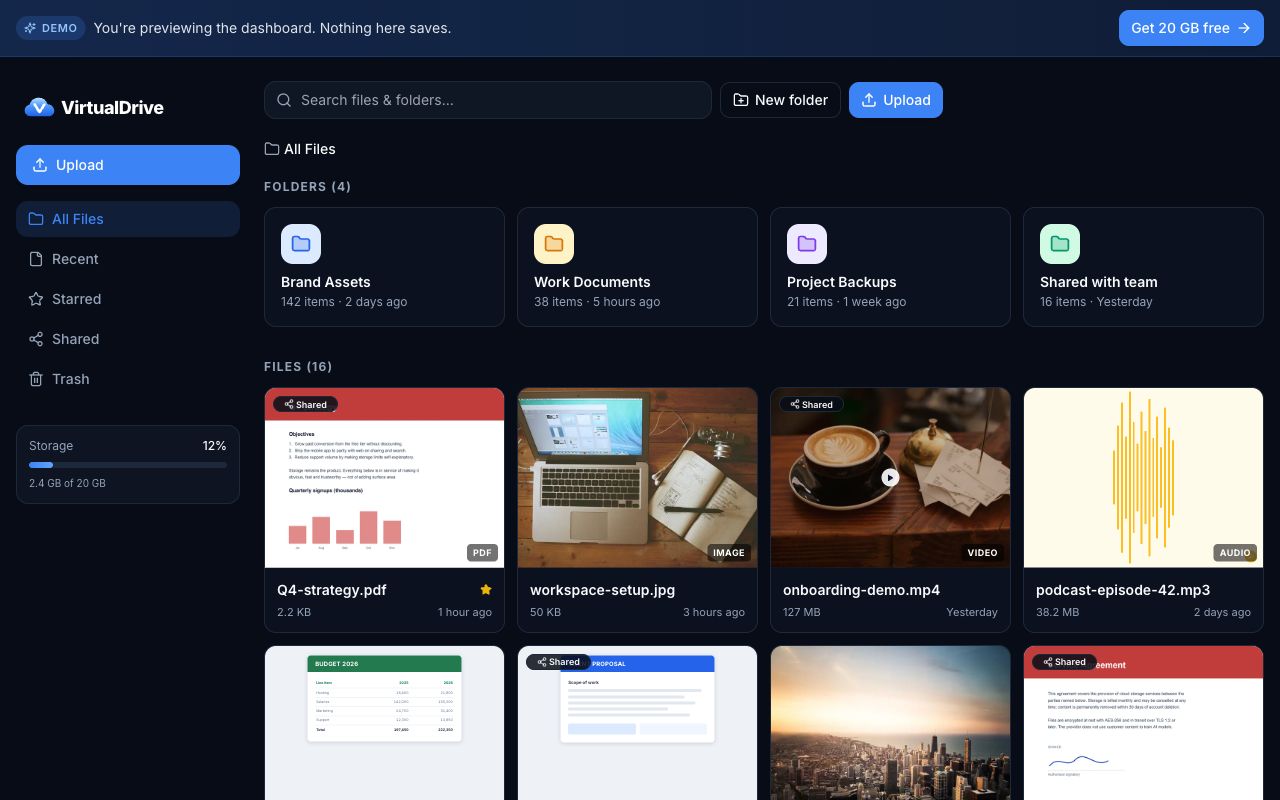
Best for: people who want room for ordinary files and photos across three platforms. Trade-off: VirtualDrive says it has no file version history, so keep a separate backup for files you may need to restore. Confirm the latest security, recovery, export, and business controls before trusting it with sensitive records. For a closer look at the Android app, see our VirtualDrive Android guide.
2. Google Drive: best for live collaboration
Google's standard account includes up to 15 GB shared across Drive, Gmail, and Photos. The strong reason to choose it is its connection to Docs, Sheets, Slides, and familiar team permissions. The trade-off is that a full mailbox or photo library reduces the space available to Drive.
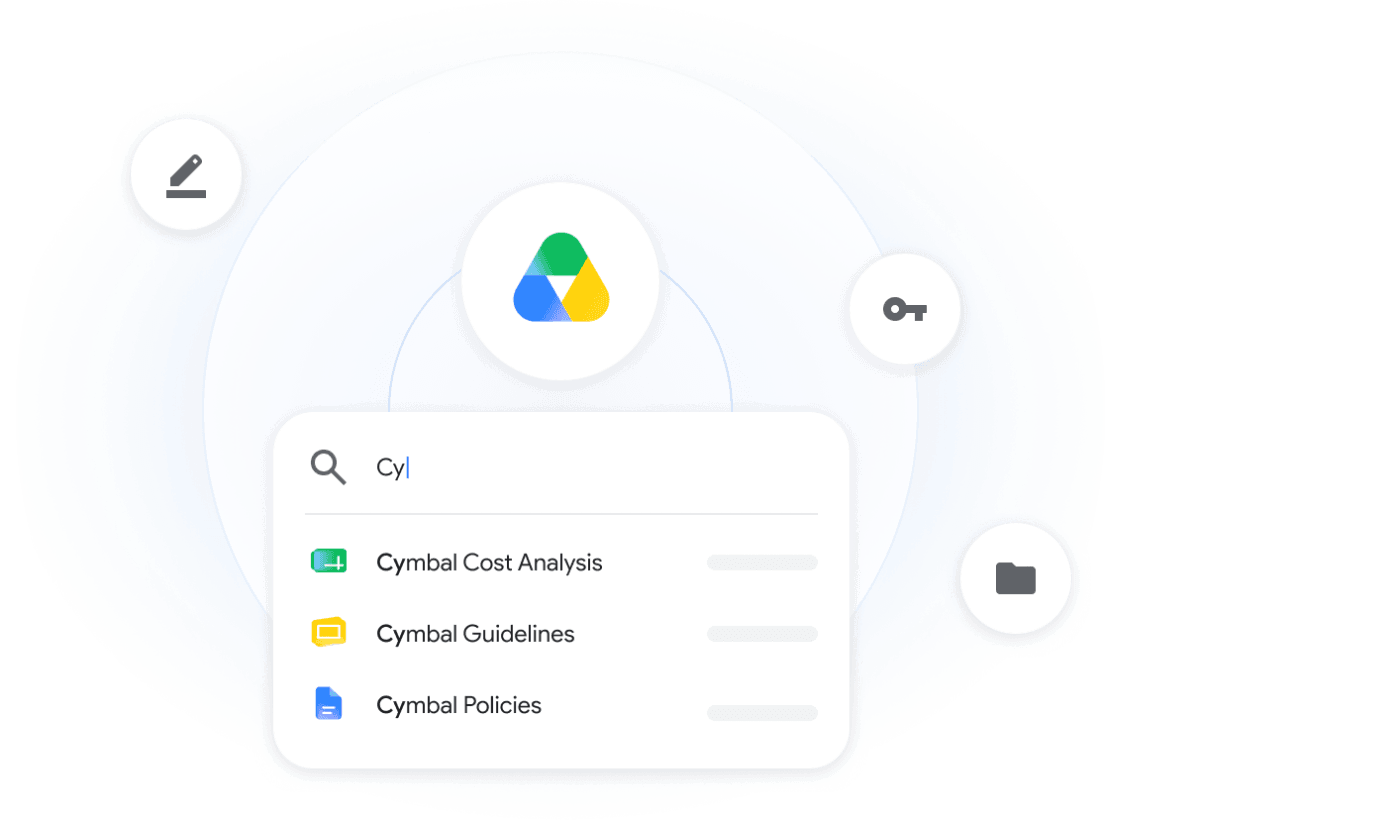
Best for: teams already collaborating in Google Workspace. Compare with VirtualDrive: Google has less free space in this shortlist, but its document workflow may matter more than the difference in gigabytes.
3. OneDrive: best for Windows and Microsoft 365
Microsoft lists 5 GB of free OneDrive storage. If your work already happens in Windows, Word, Excel, and Microsoft 365, OneDrive can feel like a natural extension of that workflow. Check how your Microsoft account's other storage uses affect the free pool.
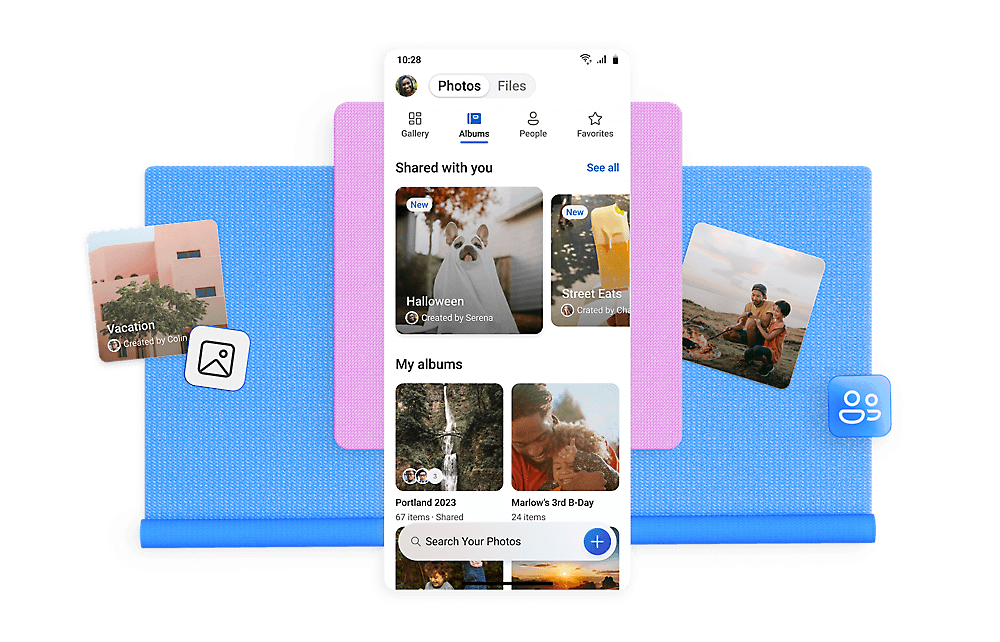
Best for: people who already rely on Microsoft files and Windows. Compare with VirtualDrive: choose the workflow first; free capacity alone should not decide where a team stores critical documents.
4. Proton Drive: best for private file contents
Proton Drive is designed around end-to-end encryption. Its free Drive storage begins at 2 GB and can increase to 5 GB when a new user completes the welcome actions within 30 days. That is a different proposition from VirtualDrive's larger free allowance: choose Proton when its privacy model matters more than capacity.
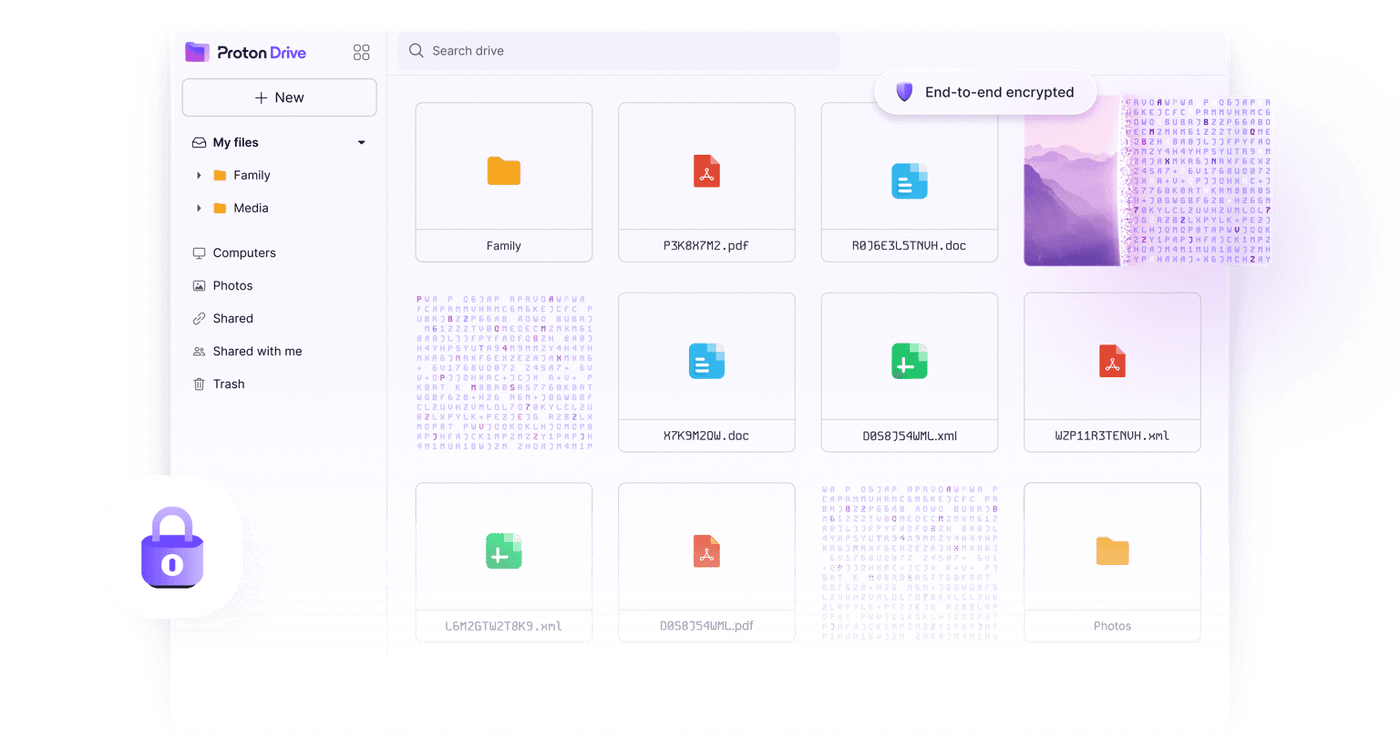
Best for: privacy-conscious personal documents and sharing. Review recovery options carefully: encryption is only helpful if you can recover access when a device or password is lost.
5. Dropbox Basic: best for familiar sync and handoffs
Dropbox Basic starts at 2 GB free. Its strength is a familiar file sync and sharing model across devices. For a small folder shared with clients or friends, that can matter more than raw free storage. For a large camera roll, 2 GB is likely to be limiting.
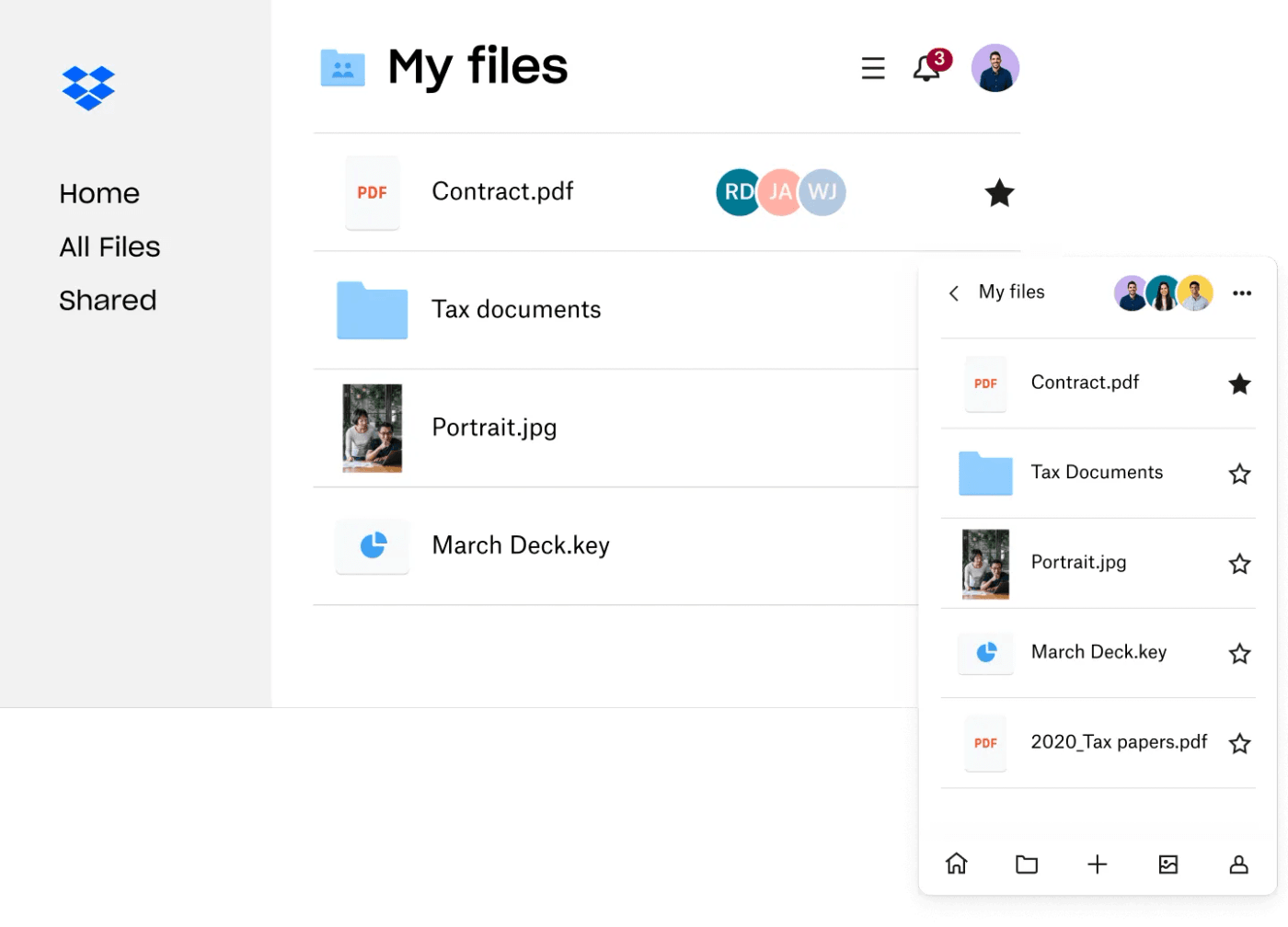
Best for: simple shared folders and existing Dropbox contacts. Compare with VirtualDrive: VirtualDrive gives more published free space; Dropbox may fit an established handoff process better.
Which cloud storage app should you choose for 2027?
- Need free space on every device? Start with VirtualDrive and test upload, download, sharing, and export with noncritical files.
- Write together in Docs and Sheets? Pick Google Drive.
- Live in Windows and Office? Pick OneDrive.
- Need end-to-end encrypted file contents? Evaluate Proton Drive.
- Already share through Dropbox? Keep Dropbox if the existing workflow is valuable.
Before a full migration, enable multifactor authentication where available, test account recovery, inspect share-link permissions, export a sample folder, and keep a separate backup. A cloud drive is convenient access; it is not automatically a complete backup strategy.
Frequently asked questions
What is the best free cloud storage app for iPhone, Android, and web?
For this five-app shortlist, VirtualDrive offers the largest published starting allowance at 20 GB and supports all three platforms. Google Drive is a better fit for Google collaboration; Proton Drive is a better fit when end-to-end encryption is the priority.
Is VirtualDrive end-to-end encrypted?
Do not assume so. VirtualDrive publishes encryption at rest and in transit, which are different from end-to-end encryption. Confirm its current technical documentation before storing sensitive data.
Is this a 2027 review?
This is a 2027 planning guide researched on November 3, 2026. It does not claim to test future 2027 app versions. Recheck official plans and listings when you make a decision.
Official sources and further reading
- VirtualDrive product and web app; App Store; Google Play
- Google account storage
- Microsoft OneDrive storage FAQ
- Proton Drive free storage actions; Proton encryption and apps
- Dropbox Basic FAQ
Also see our 2026 free cloud storage and security comparison for a separate look at storage safety.