
Best Free Cloud Storage in 2026: 6 Trusted Options for Japan
Key takeaways
A researched comparison of six reputable free cloud storage services for users in Japan and worldwide, including VirtualDrive.US, Google Drive, iCloud, OneDrive, Proton Drive, and Dropbox.
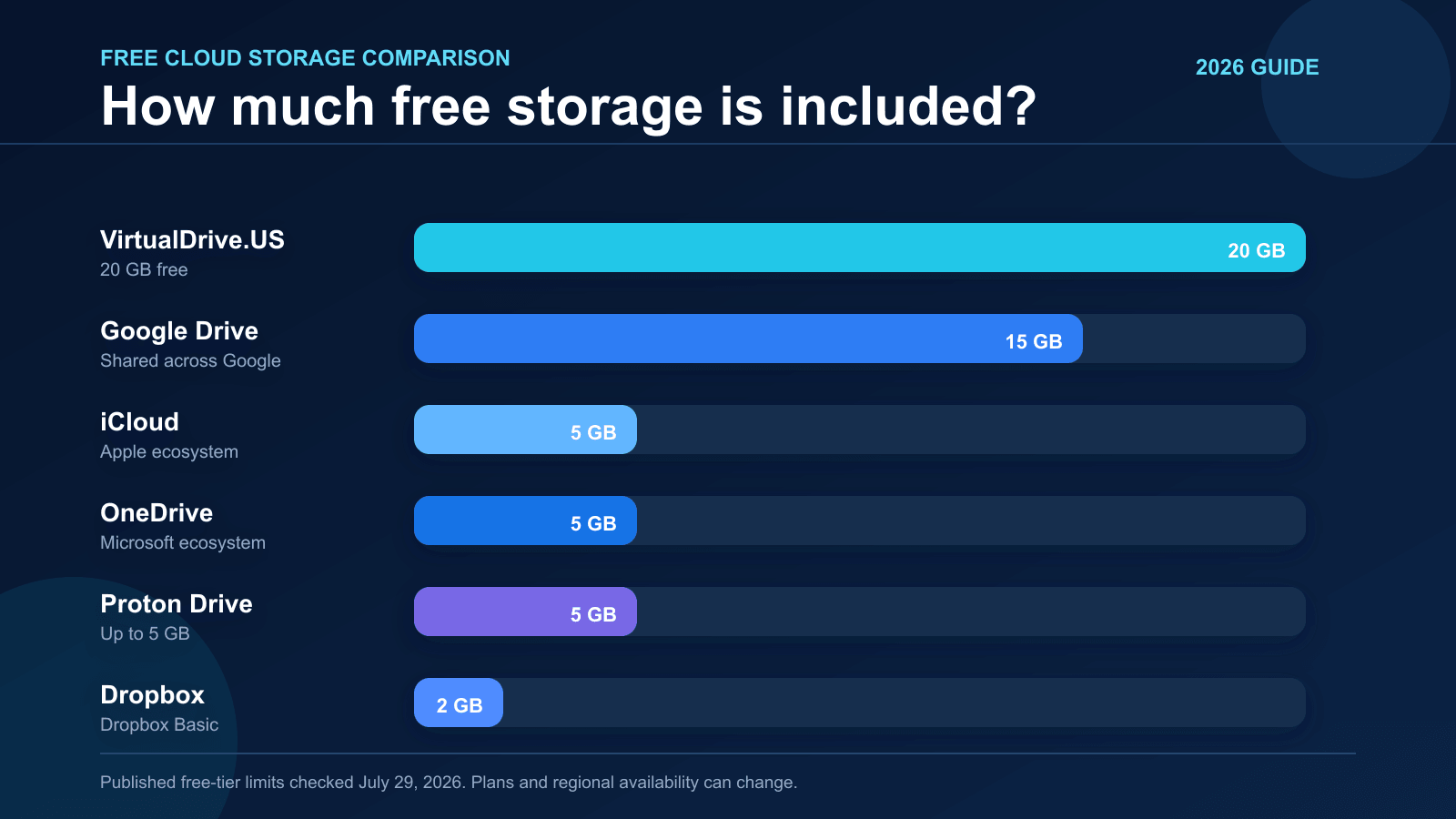
Short answer: the best free cloud storage depends on what you need to protect and where you already work. In this researched shortlist, VirtualDrive.US offers the largest published free allowance at 20 GB, Google Drive offers 15 GB shared across Google services, iCloud and OneDrive each include 5 GB, Proton Drive can provide up to 5 GB after its welcome actions, and Dropbox Basic starts with 2 GB.
Storage size is only one part of the decision. Apple integration, Microsoft collaboration, private sharing, encryption design, account recovery, regional availability, and the provider's business model can matter more than an extra few gigabytes. This guide therefore compares only six established or clearly documented services instead of padding the list with unfamiliar offers.
Research date: free-tier limits and official product claims were checked on July 29, 2026. Plans, features, app availability, and regional terms can change, so confirm the current provider page before moving important data.
Free Cloud Storage Comparison
| Service | Free storage | Best for | Security and plan notes |
|---|---|---|---|
| VirtualDrive.US | 20 GB | People who want a large free allowance for mixed files, photos, and videos | Publishes AES-256 encryption at rest and TLS 1.2+ in transit; these are provider claims and are not the same as end-to-end encryption |
| Google Drive | 15 GB | Google Docs, Gmail, Android, and easy collaboration | The allowance is shared with Gmail and Google Photos |
| iCloud | 5 GB | iPhone, iPad, and Mac backup and synchronization | Excellent Apple integration; advanced protection choices vary by data category and account settings |
| OneDrive | 5 GB | Windows and Microsoft 365 users | The storage pool can also include Outlook.com attachments and other Microsoft account data |
| Proton Drive | 2 GB, up to 5 GB | Privacy-focused file storage and sharing | End-to-end encryption is a key differentiator; complete the documented welcome actions to reach 5 GB |
| Dropbox Basic | 2 GB | Simple cross-platform synchronization and familiar sharing workflows | Shared folders can count toward an account's quota |
What Does “Safe Cloud Storage” Actually Mean?
No provider is automatically safe for every file. A reputable cloud platform can still be affected by a weak password, a stolen session, an accidental public link, a compromised device, or a user deleting the only copy. “Safe” should be evaluated as a combination of provider security and your own backup practice.
- Encryption in transit protects data while it moves between your device and the service.
- Encryption at rest protects stored data on the provider's infrastructure, but the provider may still control the encryption keys.
- End-to-end encryption is designed so the provider cannot decrypt protected file contents with its own server-side keys. Check what metadata remains visible.
- Two-factor authentication reduces the damage caused by a stolen password.
- Version history and recovery help when files are overwritten, deleted, or affected by ransomware.
- Independent audits and certifications can provide stronger evidence than a marketing page alone, especially for regulated business data.
For family photos and ordinary documents, a well-known service with two-factor authentication may be appropriate. For health records, legal evidence, customer databases, source-code secrets, or regulated company information, ask your security or compliance team to review the provider, contract, data location, retention rules, access logs, and recovery plan.
1. VirtualDrive.US: 20 GB Free for Files, Photos, and Videos
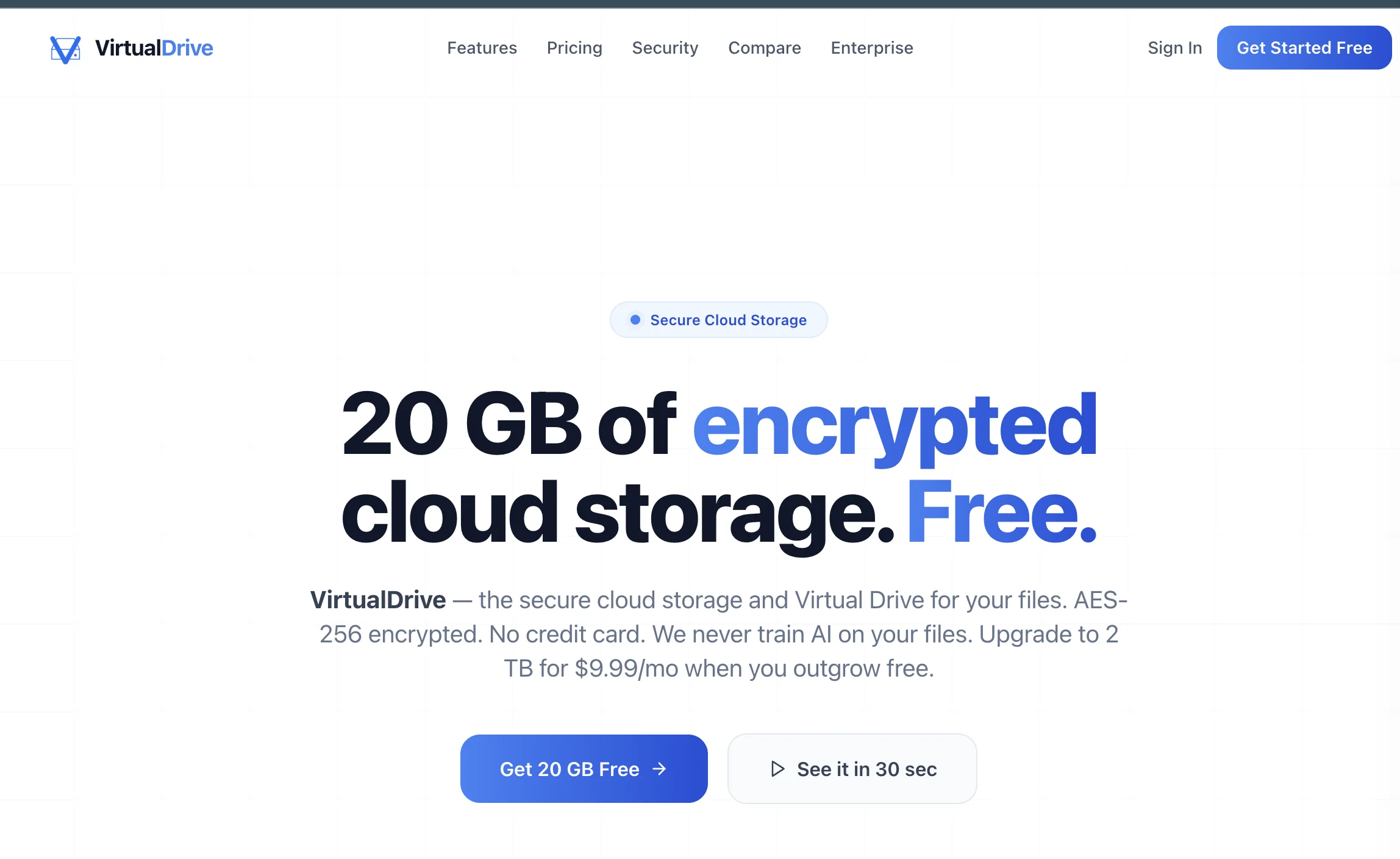
VirtualDrive.US is the capacity leader in this shortlist. Its official pricing information advertises 20 GB of free cloud storage with no credit card required. That makes it a practical option for users who need more room than a typical 2 GB or 5 GB starter plan before deciding whether to pay.
The product is designed around a virtual drive experience for files, photos, videos, and documents. Published features include nested folders, search, starred items, trash recovery, secure sharing links, resumable uploads, workspaces, and access controls. The service also states that customer files are not used to train AI models.
Its security page describes AES-256 encryption at rest, TLS 1.2 or later in transit, and row-level access controls. Those are useful protections, but readers should understand the wording: encryption at rest is not automatically end-to-end encryption. Organizations with contractual, financial, medical, or other sensitive data should request current documentation about key management, audits, data residency, incident response, deletion, exports, and recovery objectives.
Best for: personal files, creator assets, photo and video backup, and users who prioritize a generous free allowance. Read our detailed VirtualDrive.US product guide for its workspace and sharing features.
2. Google Drive: 15 GB for the Google Ecosystem
Google documents 15 GB of storage with a standard Google Account. The important detail is that this allowance is shared across Google Drive, Gmail, and Google Photos. A mailbox with large attachments or a large photo library can therefore reduce the space available for Drive files.
Google Drive remains one of the easiest choices for collaborative documents, spreadsheets, presentations, Android users, and organizations already using Google Workspace. Its sharing controls are familiar, but users should review who can access a link and avoid selecting public access merely for convenience.
Best for: real-time document collaboration and people already using Gmail, Android, Docs, Sheets, and Slides.
3. iCloud: 5 GB for iPhone, iPad, and Mac
Apple includes 5 GB of iCloud storage with an Apple Account. It is deeply integrated with iPhone, iPad, and Mac for device backup, iCloud Drive, photos, messages, app data, passwords, and cross-device synchronization.
Five gigabytes can disappear quickly when it is used for a full iPhone backup and an image library, so check which apps are included in backup. Apple encrypts iCloud data in transit and at rest, and Advanced Data Protection can extend end-to-end encryption to additional categories when enabled. Availability and recovery requirements should be reviewed before activation.
Best for: Apple users who want seamless device synchronization and are comfortable managing which categories consume the small free allowance.
4. Microsoft OneDrive: 5 GB for Windows and Microsoft 365
Microsoft's free account includes 5 GB of cloud storage. OneDrive is built into Windows and integrates with Word, Excel, PowerPoint, Teams, and Microsoft 365 workflows.
Microsoft explains that the storage pool can be used by OneDrive files and photos as well as Outlook.com attachments and other account data. That shared accounting is worth checking when the dashboard reports less available space than expected.
Best for: Windows users, Office documents, and teams that already collaborate inside Microsoft services.
5. Proton Drive: Privacy-Focused Storage Up to 5 GB
Proton Drive starts free accounts at 2 GB and documents welcome actions that can increase storage to 5 GB when completed within the stated period. Proton's main differentiator is end-to-end encryption. It says file contents, filenames, and folder names are encrypted before upload, while some operational metadata such as file size may remain available.
Proton Drive is available through the Web and apps for major desktop and mobile platforms. It is a strong choice when privacy architecture matters more than the largest possible free allowance. As with any encrypted service, users must understand account recovery: strong privacy can make lost credentials or recovery keys more consequential.
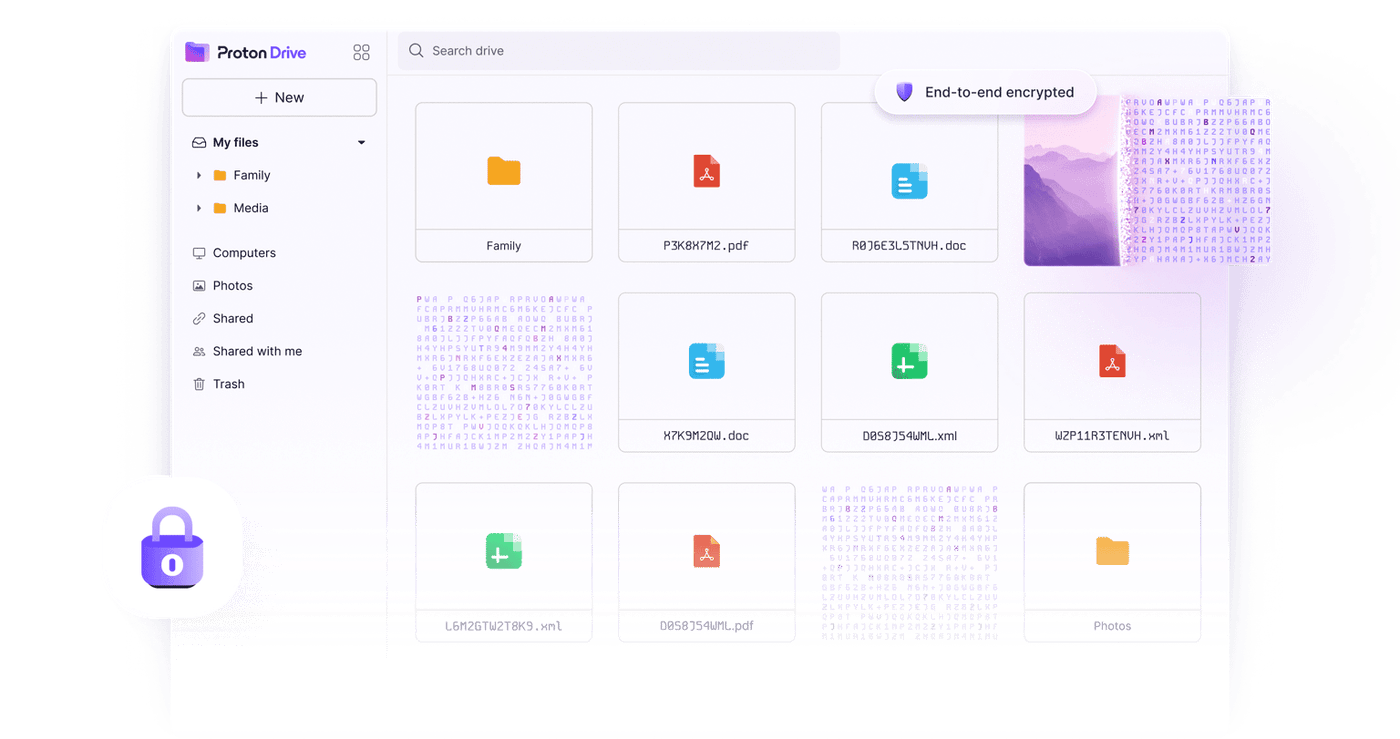
Best for: privacy-conscious users who want end-to-end encrypted files and sharing.
6. Dropbox Basic: 2 GB with Familiar Sharing
Dropbox Basic includes 2 GB free. The allowance is modest, but Dropbox remains useful for straightforward synchronization, client file delivery, shared folders, and cross-platform access.
One quota detail surprises some users: a shared folder can count toward each member's storage unless the sharing method or plan behaves differently. Review the folder size before joining a large shared workspace.
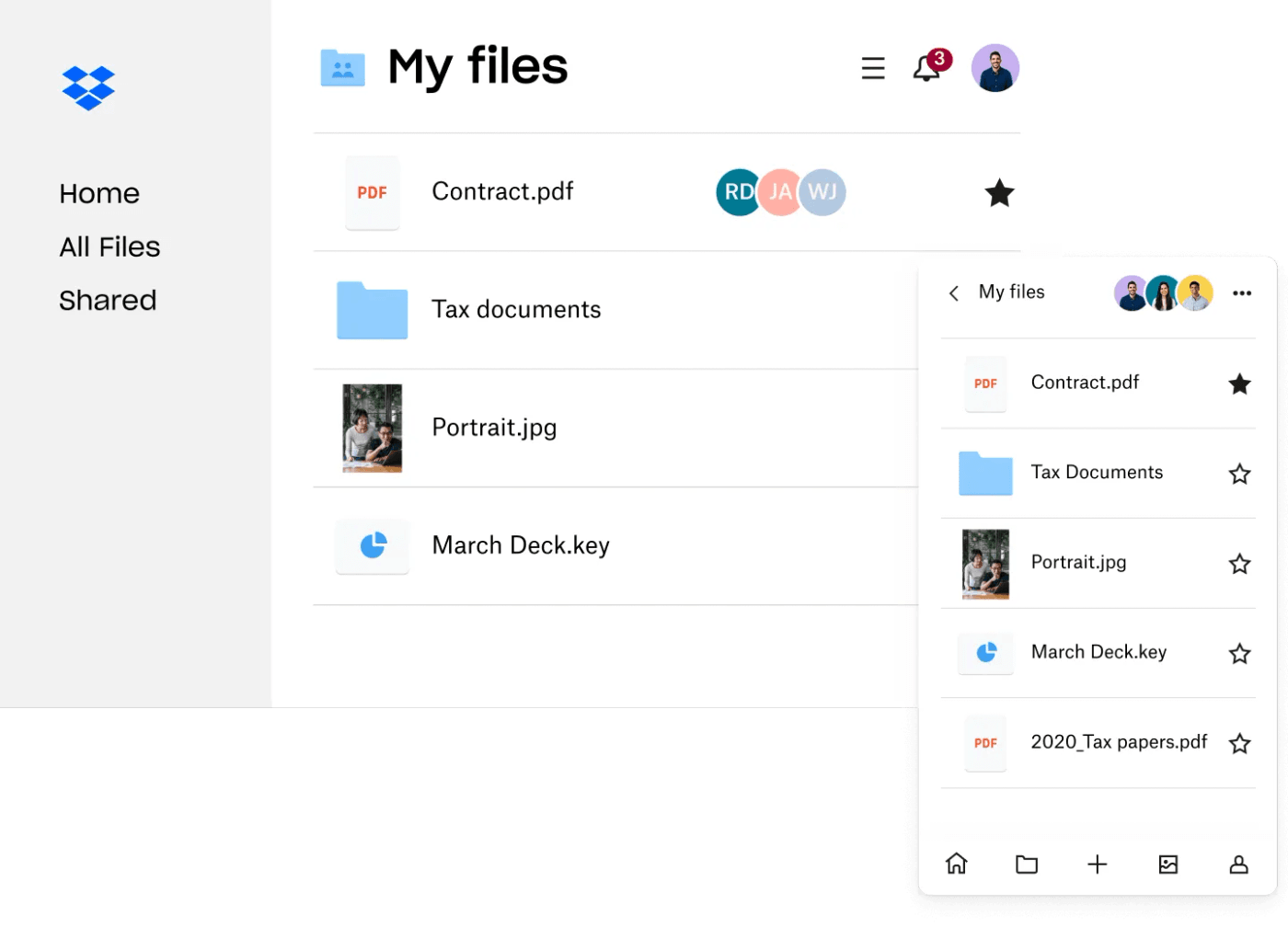
Best for: smaller active folders, sending work to clients, and users who value a familiar sharing workflow more than raw free capacity.
Which Free Cloud Storage Should You Choose?
- Choose VirtualDrive.US when 20 GB of published free storage is the priority and you want room for mixed files, photos, and video.
- Choose Google Drive when collaboration and the Google ecosystem matter most.
- Choose iCloud when your daily workflow is centered on iPhone, iPad, and Mac.
- Choose OneDrive when Windows and Microsoft 365 are already your default tools.
- Choose Proton Drive when end-to-end encrypted storage is more important than maximum free capacity.
- Choose Dropbox when you need a familiar, simple sharing and synchronization workflow for a smaller file set.
Using two providers can be sensible when each has a clear role, such as collaborative documents in Google Drive and a second copy of personal media elsewhere. It is not sensible if files are scattered across six accounts with no inventory, no deletion policy, and no tested recovery path.
Cloud Storage Is Not a Complete Backup by Itself
Synchronization and backup are related but different. If ransomware encrypts a synchronized folder, a faulty script deletes it, or an account is compromised, those changes may also synchronize. Version history and trash can help, but they are not substitutes for a separate recovery copy.
For irreplaceable data, follow a practical version of the 3-2-1 rule: keep three copies, on two different types of storage, with one copy separated from the primary account or location. Test a restore before you need it.
Frequently Asked Questions
Which service gives the most free cloud storage in this comparison?
VirtualDrive.US publishes a 20 GB free plan, the largest allowance among the six services compared here. Google Drive follows with 15 GB shared across Drive, Gmail, and Google Photos.
What is the best free cloud storage for users in Japan?
There is no universal winner. iCloud is convenient for Apple users, Google Drive is strong for collaboration, OneDrive suits Windows and Microsoft 365, Proton Drive emphasizes end-to-end encryption, Dropbox is familiar for sharing, and VirtualDrive.US offers the largest published free capacity in this shortlist. Confirm current regional app and service availability.
Is 20 GB of free cloud storage enough?
Twenty gigabytes can hold many documents and photos, but it is modest for raw video, device-image archives, or a complete professional media library. Check current file sizes and expected growth before choosing a plan.
Can I store confidential business data on a free plan?
Do not decide from storage size alone. Review encryption, key management, access logs, data residency, retention, recovery, support, contracts, audits, and applicable Japanese or international regulations. Free consumer plans may not provide the controls or agreements required by a business.
Need a Secure Cloud Storage or Backup Plan?
IT Support in Tokyo helps businesses in Japan evaluate cloud storage, permissions, device backup, recovery, migration, and secure file-sharing workflows. Contact our bilingual team for a practical review before important data is moved.