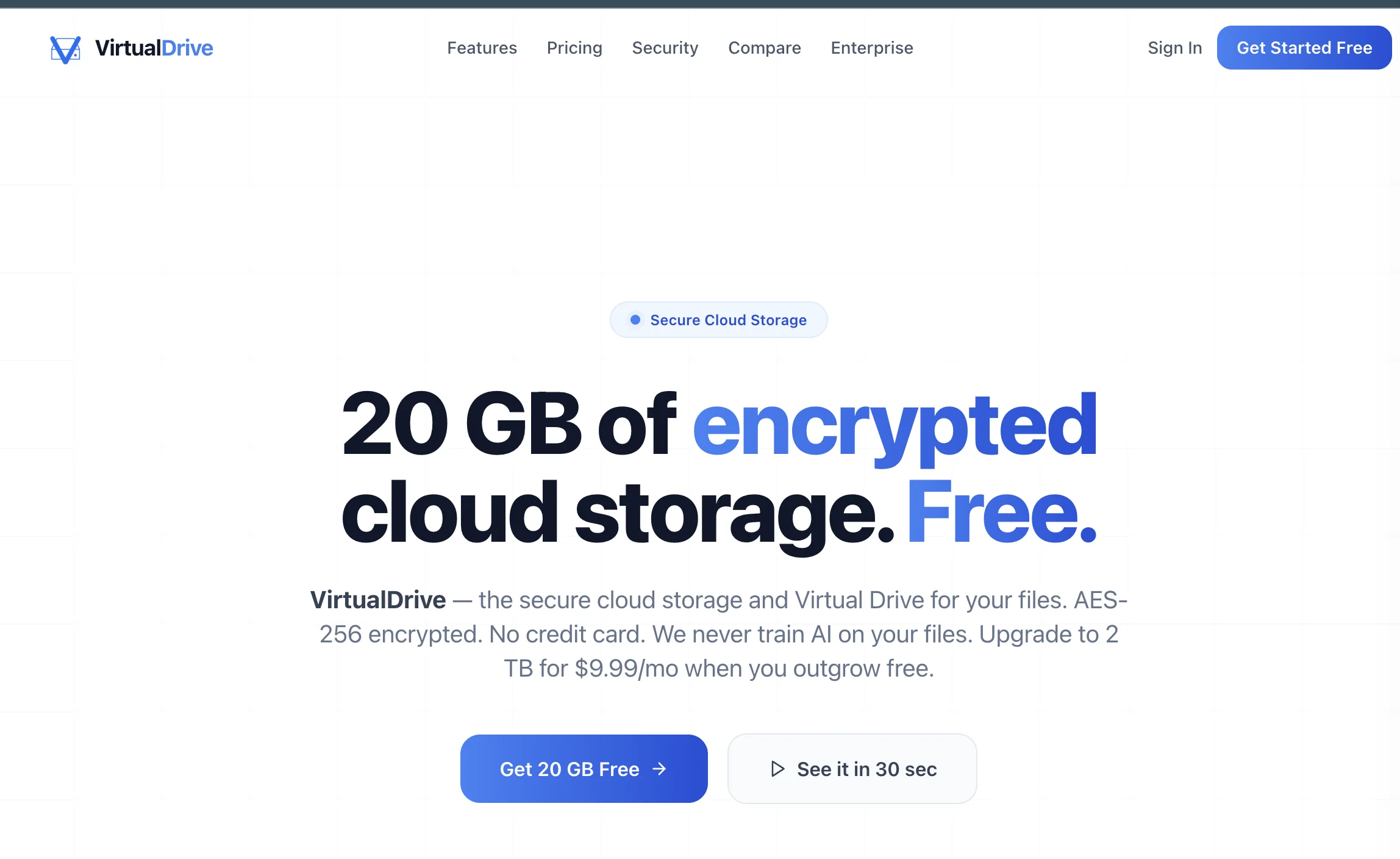
VirtualDrive.US: 20 GB Free Cloud Storage for Files, Photos, Videos, and Teams
Key takeaways
Introducing VirtualDrive.US as a cloud storage provider with 20 GB free storage, AES-256 encryption, file and folder sharing, previews, workspaces, photo backup, and web/iOS access.
VirtualDrive.US Is Cloud Storage Built Around a Clear Offer
VirtualDrive.US introduces itself with a simple promise: 20 GB of encrypted cloud storage for free, no credit card required. For users who want a private place to store files, photos, videos, documents, archives, and project folders, that is a useful starting point before committing to a paid cloud plan.
The product is more than a file bucket. The local codebase and current landing copy describe VirtualDrive as a complete file management platform with secure storage, sharing, workspaces, previews, mobile access, and admin controls.
What You Get With the Free Plan
The free plan gives users 20 GB of secure storage. That is enough room to test the product with real files: documents, images, videos, audio, PDFs, ZIP archives, design assets, and everyday backups. The public pricing copy also makes the upgrade path clear: users can start free and move to larger plans when they need more storage.
- 20 GB free storage: a real free tier for personal files and testing the platform.
- No credit card required: users can sign up without entering payment details first.
- Upgrade path: paid plans expand storage when the free plan becomes too small.
- Full feature set: the feature page positions storage size, not hidden feature gates, as the main upgrade reason.
Security and Privacy Features
VirtualDrive's public security copy focuses on practical protection: AES-256 encryption at rest, TLS 1.2+ in transit, row-level security, bcrypt password hashing, audit logs, and role-based access controls. The homepage also states that VirtualDrive does not train AI on user files.
That privacy message matters. Many people now worry that cloud tools or AI services may learn from uploaded content. VirtualDrive makes the opposite claim part of its core positioning: your files stay yours.
File Management for Everyday Work
VirtualDrive includes the file workflows people expect from a cloud storage provider. Users can upload, download, organize, search, star important items, move deleted files to trash, and restore files when needed. Nested folders help keep larger projects clean, while file previews reduce the need to download everything before checking it.
The supported file-type messaging is broad: images, video, audio, documents, archives, and other common file types. For security, executable files are blocked rather than treated like ordinary uploads.
Sharing, Workspaces, and Collaboration
Cloud storage becomes more useful when files can move safely between people. VirtualDrive supports secure share links for files and folders, view/download permission controls, password-protected and expiring share links on paid plans, folder sharing, and personal or shared workspaces for collaboration.
Workspaces are especially important for small teams, agencies, founders, creators, and project-based businesses. Instead of mixing personal files and client files in one messy drive, teams can separate work into shared spaces with clearer membership and access control.
Photos, Videos, and Mobile Backup
VirtualDrive is also moving beyond desktop-only storage. The codebase includes iOS photo backup services, camera roll backup language, sync notifications, and a native iOS app direction. The feature copy highlights Web and iOS access, with Android described as coming soon.
For users with large image and video libraries, that matters. A cloud drive is much more valuable when it can protect phone media, not only documents uploaded from a laptop.
Previews and Productivity Files
VirtualDrive is designed to help users inspect files before downloading them. The product copy mentions previews for images, PDFs, documents, and media. The app code also includes document, spreadsheet, and presentation editor routes, plus text preview handling for code and text files.
That makes the experience closer to a working file workspace: upload the file, preview it, organize it, share it, and return to it later from another device.
Developer and AI Storage Direction
The VirtualDrive landing code also includes a developer platform section positioned around secure, scalable file storage for apps, scoped API keys, SDKs, CLI tools, webhooks, signed URLs, and an MCP server for AI agents. That appears as an early-access direction rather than the main consumer storage product.
For product teams, this is interesting because storage is becoming part of AI workflows. Apps and agents need safe places to store generated files, user uploads, exports, documents, media, and shared assets. VirtualDrive is aiming at that future while keeping the consumer offer simple: start with 20 GB free.
Who VirtualDrive Is For
- Individuals: people who want free encrypted storage for files, photos, videos, documents, and backups.
- Creators: users managing media, project folders, deliverables, and share links.
- Small teams: businesses that need shared workspaces, folder collaboration, and admin controls.
- Developers: teams watching for storage APIs, SDKs, CLI, signed URLs, and AI-agent storage workflows.
Try VirtualDrive or Build a Storage Product With IT Support in Tokyo
To try the product, visit VirtualDrive.US and start with 20 GB free cloud storage. If your business wants to build a cloud storage app, file-sharing platform, SaaS workspace, or AI-ready storage workflow, contact IT Support in Tokyo. We can help plan the architecture, security, mobile app, pricing, and SEO launch.