5 Best Cloud Storage Apps for Android in 2026: VirtualDrive Launches with 20 GB Free
Key takeaways
VirtualDrive is now on Google Play. See how its 20 GB free plan, document scanner, file sharing, offline access, and Android-to-web sync compare with Google Drive, Proton Drive, Ente Photos, and S3Drive.
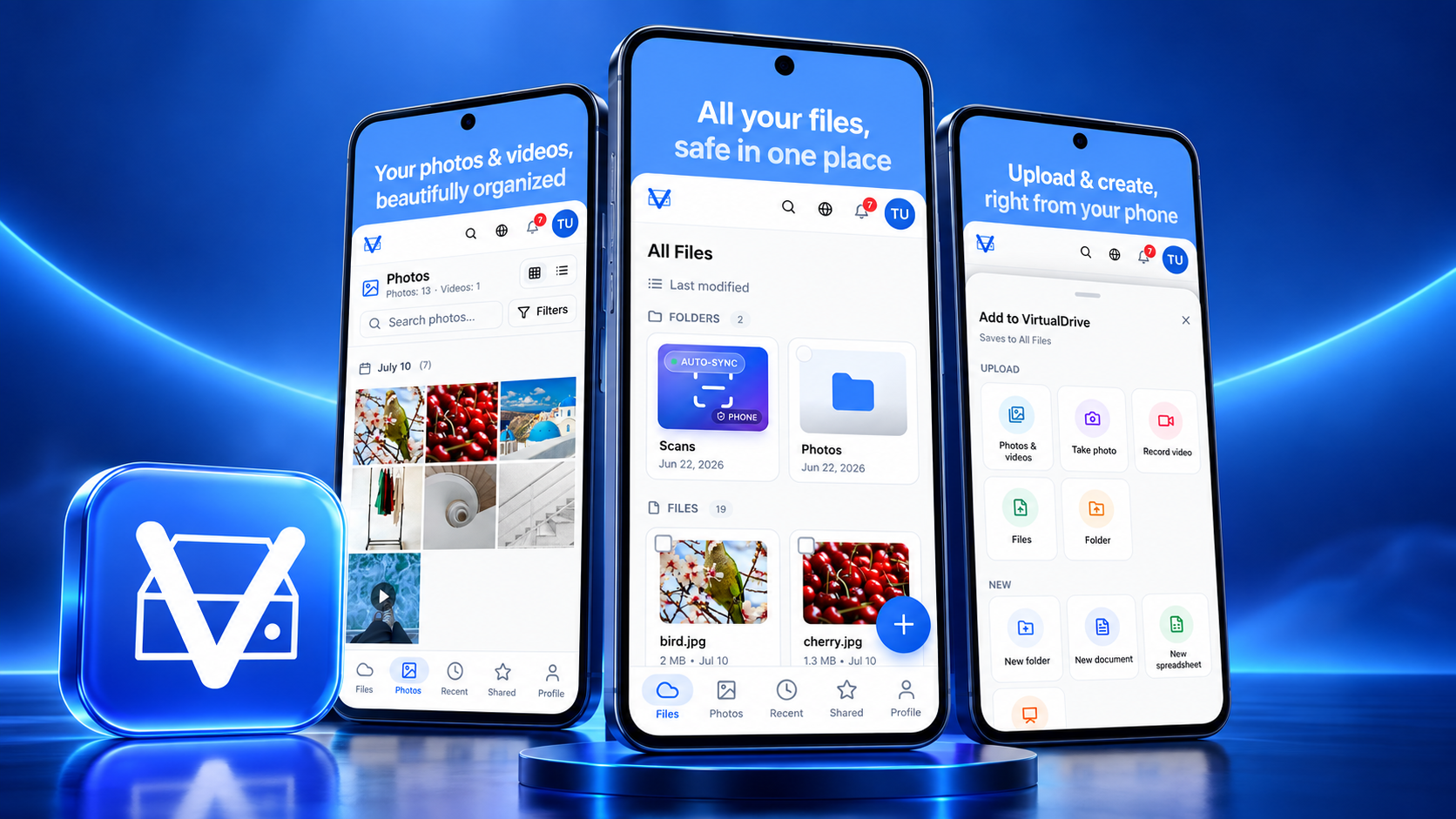
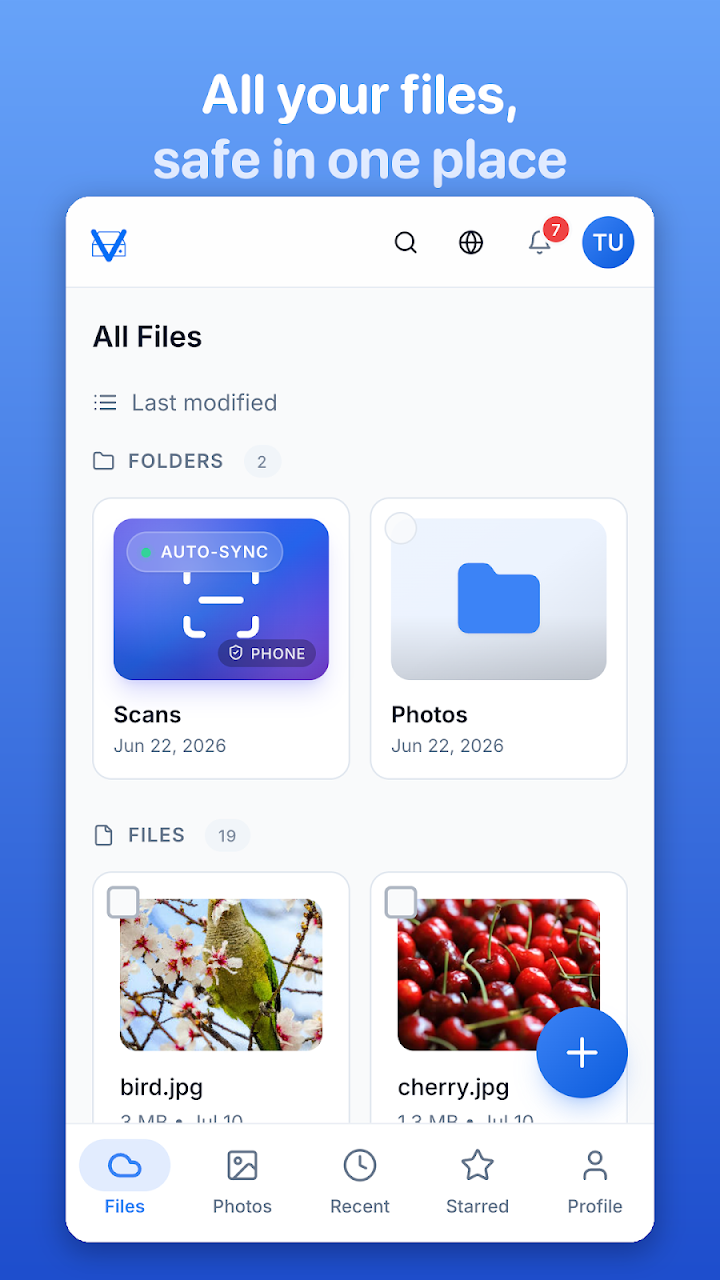
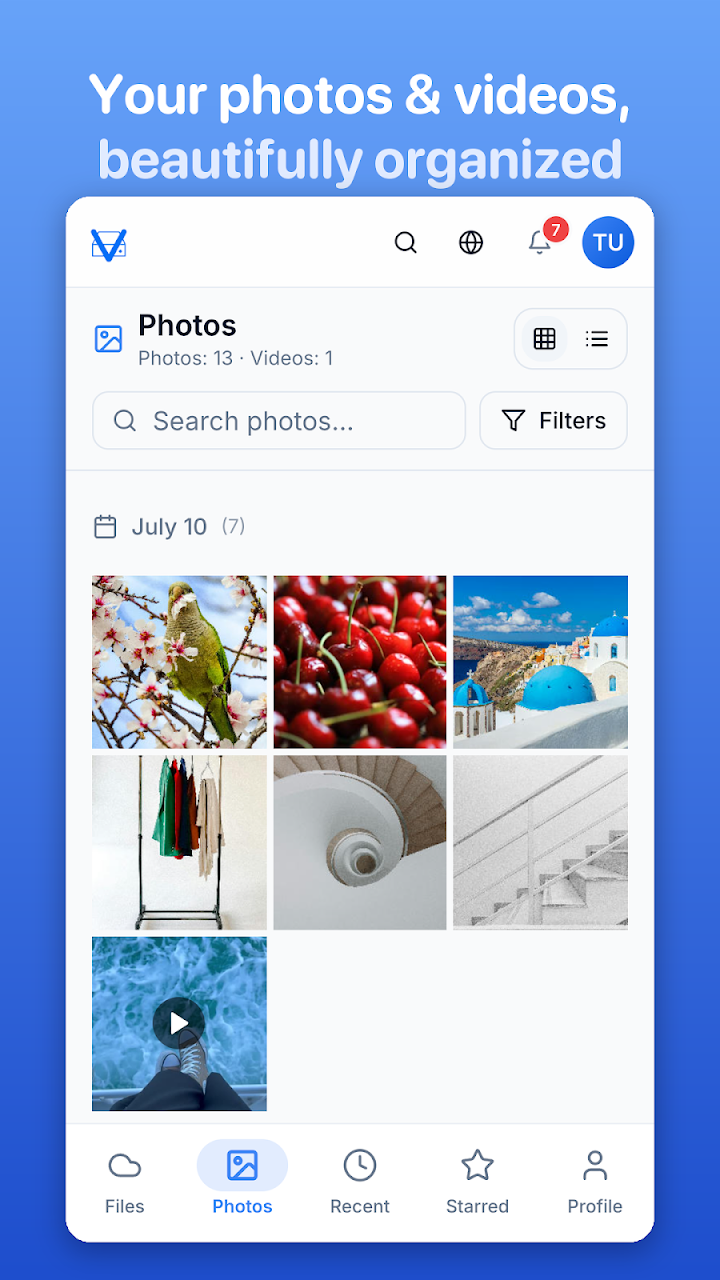
VirtualDrive is now available for Android on Google Play. The new app gives every account 20 GB of free cloud storage and brings files, camera uploads, document scanning, offline access, secure links, shared workspaces, and cross-device sync into one uncluttered mobile drive.
That launch makes this a useful moment to reassess the best cloud storage apps for Android in 2026. This is not a list where one app magically wins every category. We compared five strong choices by free capacity, privacy model, file support, photo backup, collaboration, portability, and the kind of person each app actually serves.
Quick answer: the five Android cloud apps worth comparing
| App | Free storage | Best for | Standout Android feature |
|---|---|---|---|
| VirtualDrive | 20 GB | Everyday files, work and school | Scan to PDF, offline files, app lock |
| Google Drive | 15 GB shared | Google Workspace collaboration | Deep Android and Docs integration |
| Proton Drive | 2 GB; up to 5 GB after setup | Private general file storage | End-to-end encryption |
| Ente Photos | 10 GB | Private photo and video backup | Encrypted gallery and on-device search |
| S3Drive | Depends on storage provider | S3, WebDAV, NAS and self-hosting users | One client for many storage back ends |
Plan details can change by market and date. Check each official listing before moving a large library. “15 GB shared” means Google account storage is shared across Drive, Gmail, and Google Photos.
1. VirtualDrive: the best new all-rounder with 20 GB free
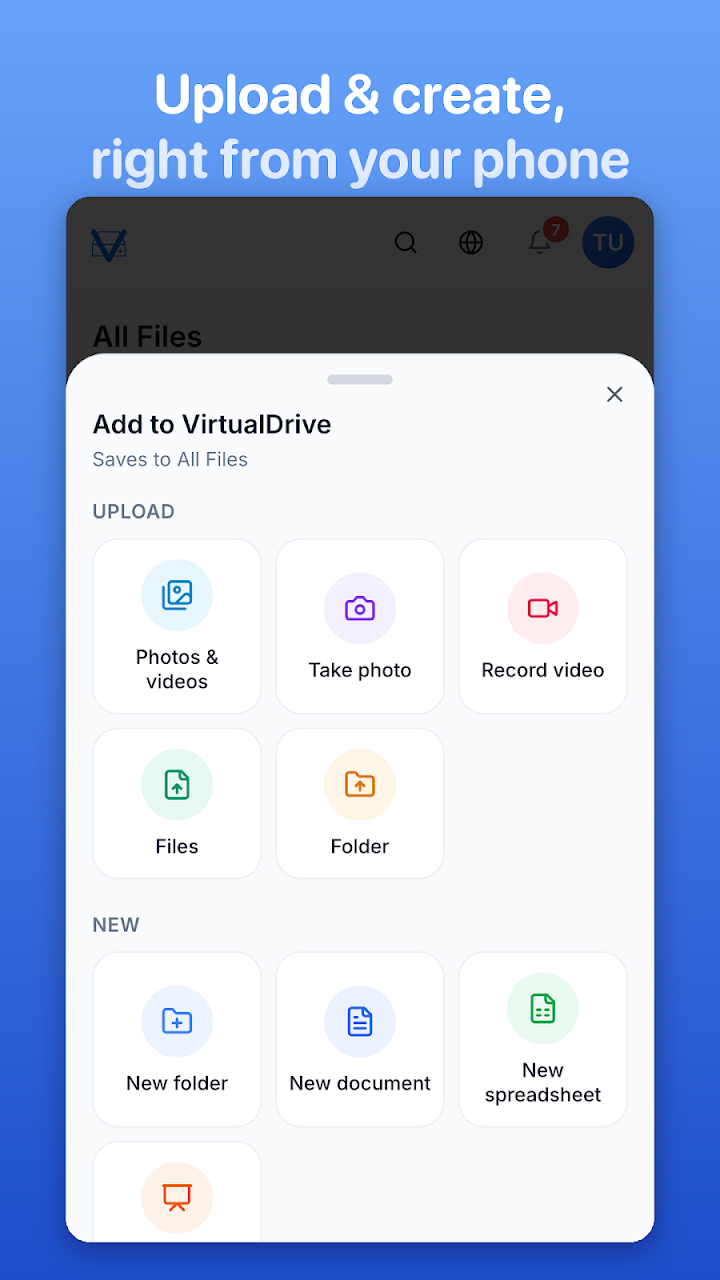
VirtualDrive: Cloud Storage on Google Play starts with 20 GB free—more than the other fixed free allowances in this shortlist. The Android app can upload photos, videos, PDFs, documents, and folders; capture a photo or video directly into the drive; and accept files shared from Gallery, WhatsApp, Gmail, Files, and other Android apps.
Its document scanner is unusually practical for a general cloud drive. Automatic edge detection turns notes, receipts, forms, or homework into multi-page PDFs. Shared workspaces and folder invitations support teams and classes, while built-in document, spreadsheet, and presentation creation reduces the need to jump between apps.
For security, the Play listing states that connections and stored data are encrypted, the app has no ads, files are not sold or used to train AI, and App Lock supports fingerprint, face, or the device screen lock. That is not the same claim as zero-knowledge end-to-end encryption, so regulated organisations should still review key management, retention, residency, audit, and recovery requirements before adoption.
Best for: people who want generous free capacity, real file management, work or school tools, and a consistent drive across Android, iPhone, and the web.
Watch the VirtualDrive Android launch video
2. Google Drive: best for Google Workspace collaboration
Google Drive remains the default choice for many Android users because it sits close to Gmail, Docs, Sheets, Slides, Google Photos, and Android sharing. A standard Google account includes 15 GB, but that allowance is shared across Drive, Gmail, and Photos—not reserved for Drive alone.
Its strength is collaboration rather than maximum free capacity. If your team edits Google documents together, comments in real time, or already uses Workspace, Drive creates the least friction. Review link permissions carefully before sharing business material.
Best for: Google-first teams, live document collaboration, and users who value ecosystem integration.
3. Proton Drive: best for private files
Proton Drive starts with 2 GB and offers setup actions that unlock up to 5 GB. Its defining feature is end-to-end encryption for files and protected metadata, backed by open-source apps and Proton's privacy-focused ecosystem.
The Android app supports automatic photo and video backup, offline files, version history, secure links with password and expiration options, plus PIN or biometric protection. Its free allowance is smaller, but the privacy architecture is the reason to choose it.
Best for: contracts, identity documents, private archives, and users who prioritise end-to-end encryption over free capacity.
4. Ente Photos: best private alternative to Google Photos
Ente Photos focuses on photos and video rather than being a universal office drive. It offers 10 GB free, encrypts media on the device before upload, preserves originals, and provides open-source apps across Android, iOS, desktop, and the web.
On-device AI search can find faces, objects, and places without sending the photo library to a server for analysis. Encrypted albums, partner sharing, a hidden vault, biometric lock, and full-quality export make it a compelling private gallery.
Best for: families, photographers, and anyone looking for a privacy-first Google Photos alternative.
5. S3Drive: best for power users and self-hosted storage
S3Drive is different: it is a client that connects Android to S3, WebDAV, SFTP, SMB, FTP, Rclone-compatible services, personal cloud providers, a NAS, or a self-hosted server. Capacity and cost depend on the back end you choose.
It supports client-side encryption compatible with Rclone Crypt, multiple sync modes, media backup, file versioning, secure links, and migration between providers. That flexibility is powerful, but setup requires more technical confidence than a managed drive.
Best for: developers, homelab users, photographers with object storage, and teams avoiding provider lock-in.
Which cloud storage app should you install?
- Choose VirtualDrive for the largest simple free allowance here and a balanced file, scan, share, offline, and workspace experience.
- Choose Google Drive when collaboration inside Google Workspace matters most.
- Choose Proton Drive when end-to-end encryption for general files is the priority.
- Choose Ente Photos when the library is mainly photos and videos.
- Choose S3Drive when you want to control the storage provider or self-host.
For Tokyo teams working across Japanese and English—or regional teams spanning Singapore, Hong Kong, and Thailand—the decisive questions are not only gigabytes. Check where data is stored, who can administer access, how offboarding works, whether files can be exported in bulk, and how quickly a deleted or encrypted file can be restored.
Frequently asked questions
Is VirtualDrive really free on Android?
Yes. The official Google Play listing says accounts start with 20 GB free and can upgrade to 2 TB Pro or 5 TB Ultra plans.
Does VirtualDrive work outside Android?
Yes. The listing states that files stay in sync across Android, iPhone, and the web at virtualdrive.us.
What is the best Android cloud storage app for privacy?
For end-to-end encrypted general files, Proton Drive is the clearest managed option in this shortlist. Ente Photos specialises in end-to-end encrypted photo and video backup. S3Drive gives technical users client-side encryption and storage-provider control.
Is cloud sync a complete backup?
No. Deletion, account compromise, or ransomware changes can also sync. Keep an independent recovery copy of irreplaceable data and test restoration before an emergency.
Build or launch an Android app in Japan
IT Support in Tokyo helps teams design, build, localise, publish, and grow Android, iOS, and web products. For multilingual product pages, Google Play launch support, SEO, GEO, analytics, cloud architecture, or secure migration, talk with our Tokyo team.