Instagram Image Sizes for Digital Marketing: A Social Commerce Guide for iSocialize
Key takeaways
Learn the best Instagram media sizes for feed posts, Stories, Reels, square reuse, and profile photos — plus how to turn that content into social commerce with iSocialize.
Good digital marketing starts before you write the caption. If your image is cropped badly, your product is too close to the edge, or your call-to-action disappears behind a phone interface, the post loses attention before the customer even understands the offer.
For creators, local shops, service businesses, and social commerce sellers, the safest workflow is simple: create one strong vertical master, crop it into the formats that Instagram rewards, and publish the same campaign inside a buying environment like iSocialize.
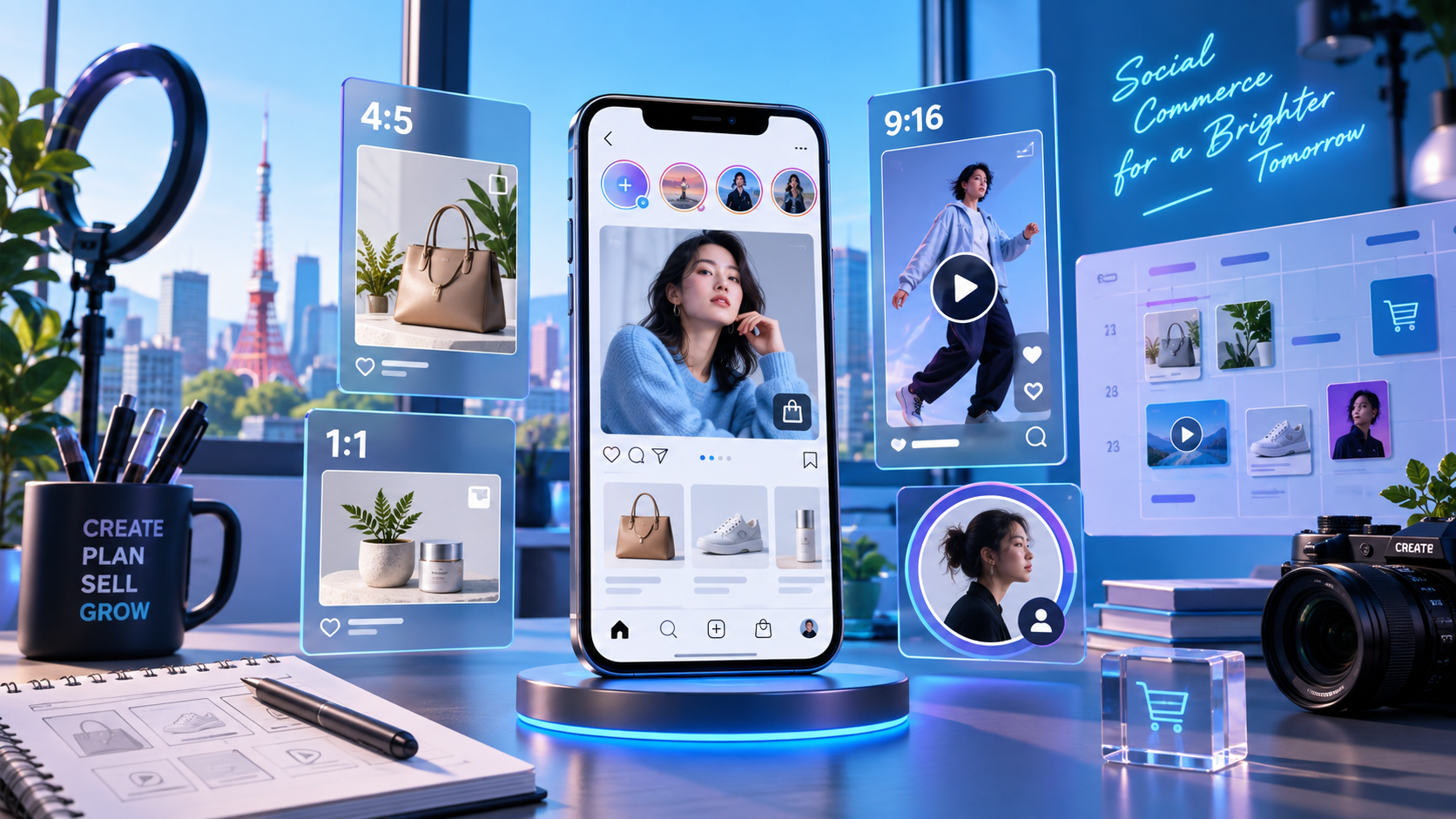
The practical Instagram size cheat sheet
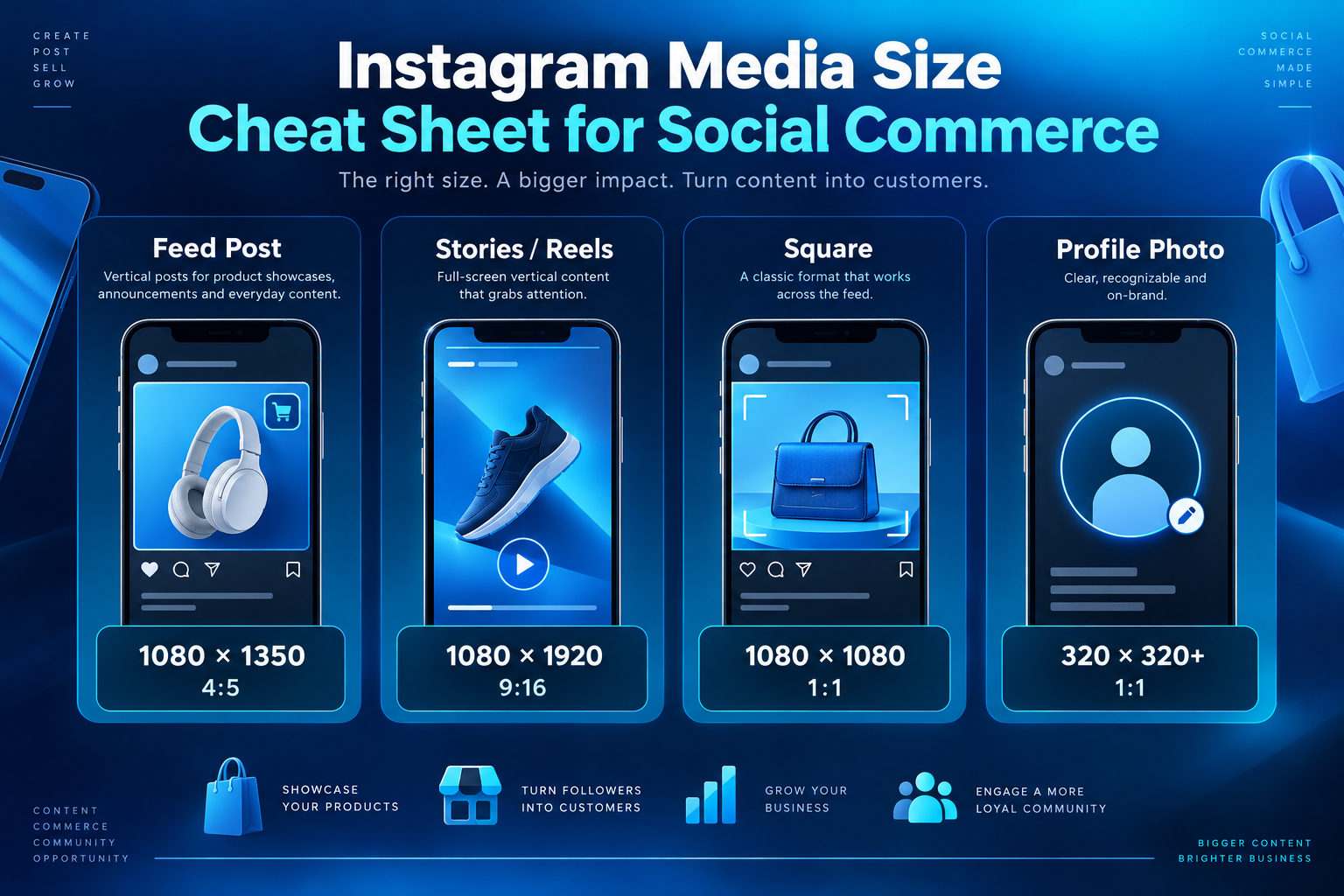
Use these dimensions as your everyday baseline for organic social content and social commerce campaigns:
| Use | Pixels | Ratio | Best for |
|---|---|---|---|
| Feed post | 1080 × 1350 | 4:5 | Product demos, offers, before/after posts, creator stories |
| Stories / Reels | 1080 × 1920 | 9:16 | Vertical video, product walkthroughs, launches, limited-time offers |
| Square | 1080 × 1080 | 1:1 | Repurposing, catalog thumbnails, older grid assets |
| Profile photo | 320 × 320 minimum | 1:1 | Brand logo, creator face, recognizable shop identity |
Paid ad note: Meta ad placements can use higher export recommendations than these organic sizes. If you are buying ads, keep a larger master file and check the current placement spec before launch. For everyday organic content, the 1080-pixel formats above are the clean, practical standard.
Why 4:5 should be your default feed format
A 1080 × 1350 feed post gives you more vertical space than a square post while still feeling native in the feed. That extra height is valuable for social commerce because you can show the product, a human using it, a short benefit line, and a clear visual cue without making the design feel crowded.
For iSocialize sellers, use 4:5 for product highlights, creator recommendations, customer proof, limited offers, and “why this product matters” posts. Keep the product and the strongest text near the center so the crop still works if the post is reused elsewhere.
Stories and Reels: design for motion first
Stories and Reels should be 1080 × 1920. Treat this as a vertical video canvas, not a poster. Show the product in the first two seconds, keep text away from the top and bottom UI areas, and make the action obvious: watch, message, save, or buy.
On iSocialize, this kind of vertical content can become more than awareness. It can lead into discovery, conversation, product listings, and social buying behavior. That is the difference between “posting content” and building a social commerce path.
When square still makes sense
Square 1080 × 1080 images are still useful when you are repurposing older content, creating simple catalog tiles, or preparing assets that must work across multiple platforms. But if attention is the goal, do not default to square. Start with 9:16 for video and 4:5 for feed, then crop a square version only when needed.
Profile photos: small image, big trust signal
Your profile photo may display small, so clarity matters more than complexity. Upload at least 320 × 320, but use a larger square source if you have one. Put the logo, face, or brand mark in the center. Avoid tiny text because it becomes unreadable in comments, search, and message views.
A simple social commerce workflow
- Capture a 9:16 master. Film or design vertically first so it works for Reels and Stories.
- Create a 4:5 feed version. Crop the best frame or product moment into 1080 × 1350.
- Make a square reuse asset. Use 1080 × 1080 for catalog tiles or older channels.
- Prepare the profile/shop visual. Keep the brand mark clear and centered.
- Publish beyond Instagram. Bring the same campaign into iSocialize selling so discovery can move into chat, product context, and purchase intent.
Why iSocialize fits this strategy
Instagram is powerful for attention, but attention alone does not always create a sale. iSocialize is designed around social discovery, video, local connection, messaging, and marketplace behavior. That makes it a useful next step for creators and sellers who want content to turn into conversations and customers.
Use the Instagram formats above to create sharper media, then use iSocialize to give that media a stronger commerce path. The content teaches, demonstrates, and builds trust; the app helps interested people move closer to action.
Download and try iSocialize
Need better social commerce content?
If you want a faster content system for Instagram, iSocialize, landing pages, and SEO, contact IT Support in Tokyo. We help teams plan the creative workflow, build the web/app foundation, and turn digital marketing into measurable customer action.