How to Localize Your Company Website for Overseas Customers: A Guide for Japanese Companies
Key takeaways
A seven-step guide for Japanese companies: choose a market, localize the pages that sell, fix habits that confuse buyers, set up language URLs and hreflang, and measure.
Your Japanese website works for Japanese customers. To win overseas customers, it needs more than an English page bolted on. This guide is written from a Japanese company's point of view. It walks through seven steps to localize a corporate website, the habits of Japanese sites that confuse overseas buyers, and what to do first when time and budget are limited.

Step 1. Choose one market and one goal
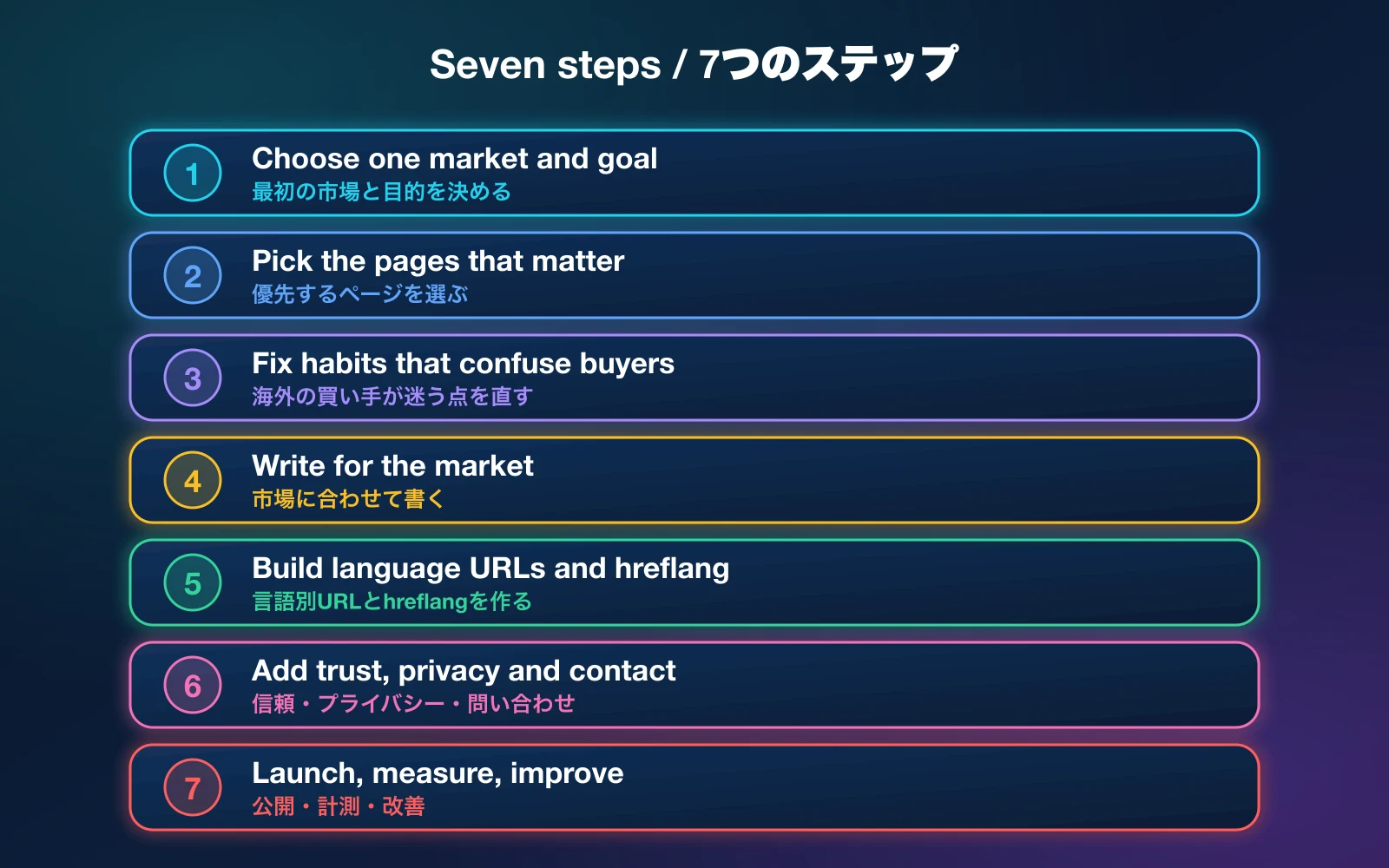
"Overseas" is not a market. Decide which country or region you want first, what language its buyers use, and what a win looks like: enquiries, quote requests, distributor contacts or online orders. A clear goal decides every later choice, from the headline to the contact form.
- Who: importers, end customers, partners or recruiters?
- Where: the US, Europe, Southeast Asia or one specific country?
- What: one main action you want a visitor to take.
If your first target is the US or Europe, our guide to localizing a website for US and European buyers goes deeper on those markets.
Step 2. Localize the pages that matter first

You do not need to translate the whole site on day one. A smaller site that is done well beats a large site that is machine translated. Work in tiers.
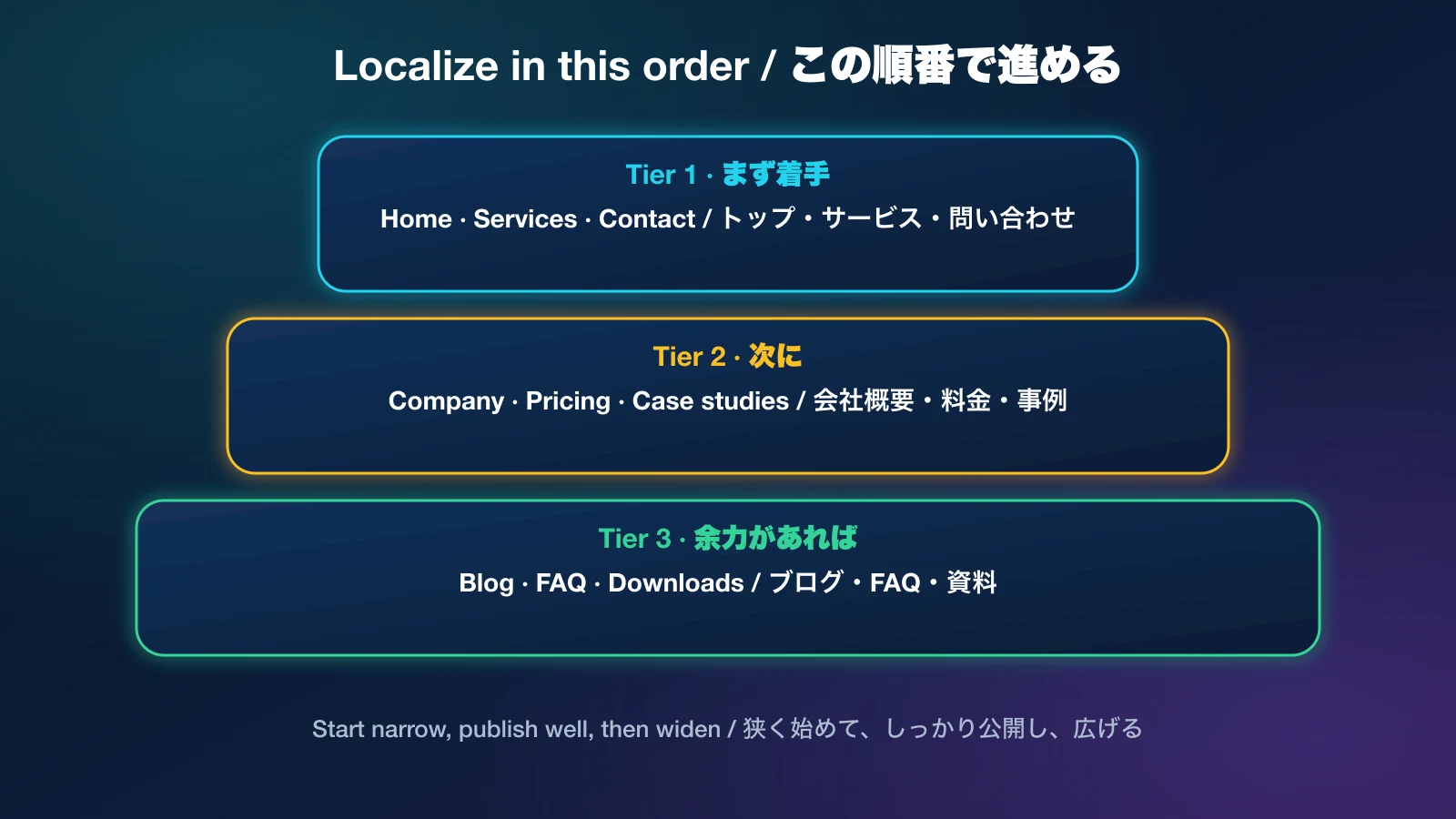
- Tier 1: home, services or products, and contact. These make or lose the enquiry.
- Tier 2: company, pricing and case studies. These build trust.
- Tier 3: blog, FAQ and downloads. Add them when the core is live.
Step 3. Fix the habits that confuse overseas buyers
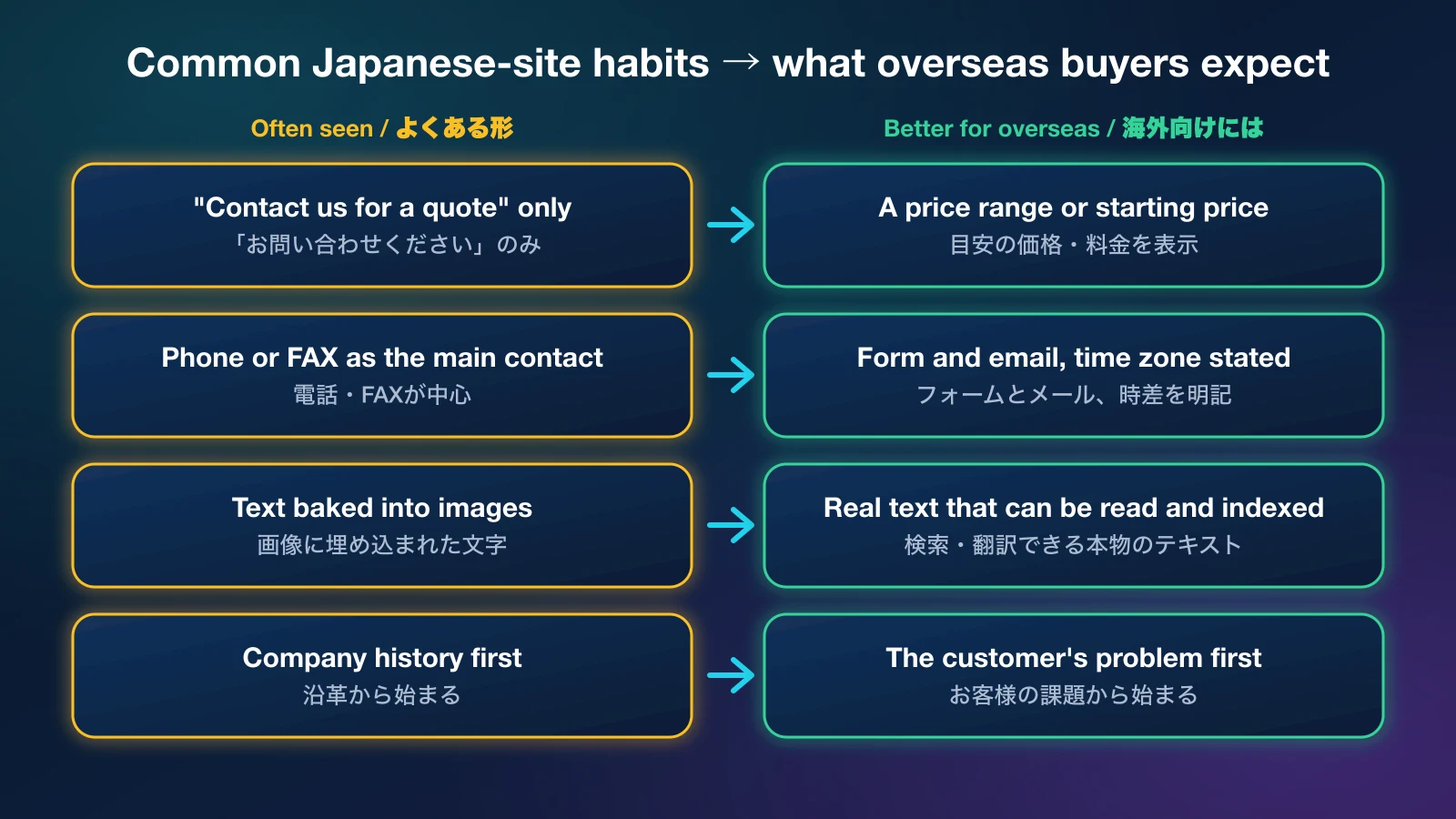
Some common conventions of Japanese corporate sites do not travel well. These are patterns we see often, not rules without exceptions, so judge them for your own audience.
| Common on Japanese sites | Why it can fail overseas | Try this |
|---|---|---|
| "Contact us" with no price information | Buyers compare several suppliers quickly and skip those that give no idea of cost. | Show a starting price or a range, and what changes it. |
| Phone or FAX as the main contact | Time zones and habits make calls impractical. | A short form and an email address, with your reply time and time zone. |
| Text placed inside images or PDFs | It cannot be translated, read by search engines or copied. | Put key information in real page text, and provide a translated PDF if you need one. |
| Company history before the offer | A new visitor wants to know what you solve for them. | Lead with the customer's problem, then proof, then your story. |
| Dates, yen amounts and addresses in Japanese format only | They are confusing without context. | Use the target market's formats, and show the currency clearly. |
Not sure which habits apply to your site?
Send us your URL. We will review it the way an overseas visitor would and tell you, in English or Japanese, what to change first.
Step 4. Write for the market, do not just translate

A word-for-word translation keeps the Japanese structure, Japanese examples and Japanese search terms. It reads awkwardly and rarely matches what buyers type. Rewrite the headline, the proof and the call to action for the reader in the target market.
- Glossary first. Fix the English (or other) names for your products, services and company before anyone writes. Use them consistently.
- Machine translation can draft, a person must review. Have a fluent speaker of the target language read every page before it goes live.
- Keep claims true and checkable. Overseas buyers verify. Do not publish awards, client names or numbers you cannot support.
Step 5. Give each language its own URL and tell Google
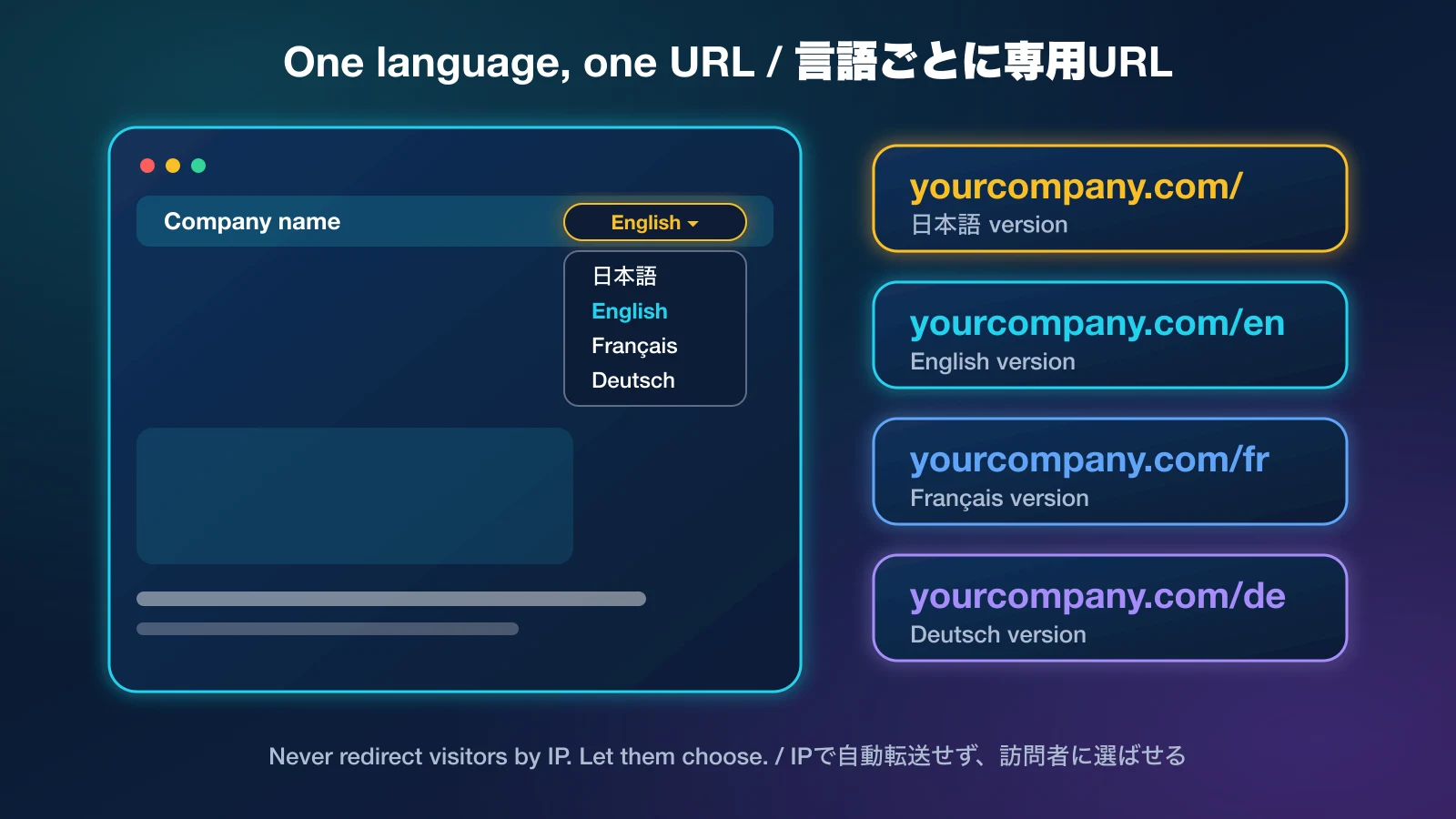
- Separate URLs per language, for example the Japanese site at the root and English under /en. Do not swap text with a script on one address.
- hreflang tags that link every version to each other, plus an x-default.
- A self-referencing canonical on each language page.
- The right html lang attribute and a language switcher that visitors can see.
- No automatic redirect by IP or browser language. Search engines may only ever see one version.
- Server-rendered or pre-rendered pages, so the text is in the first response.
- A sitemap that lists every language version.
Step 6. Add trust, privacy and a real way to contact you
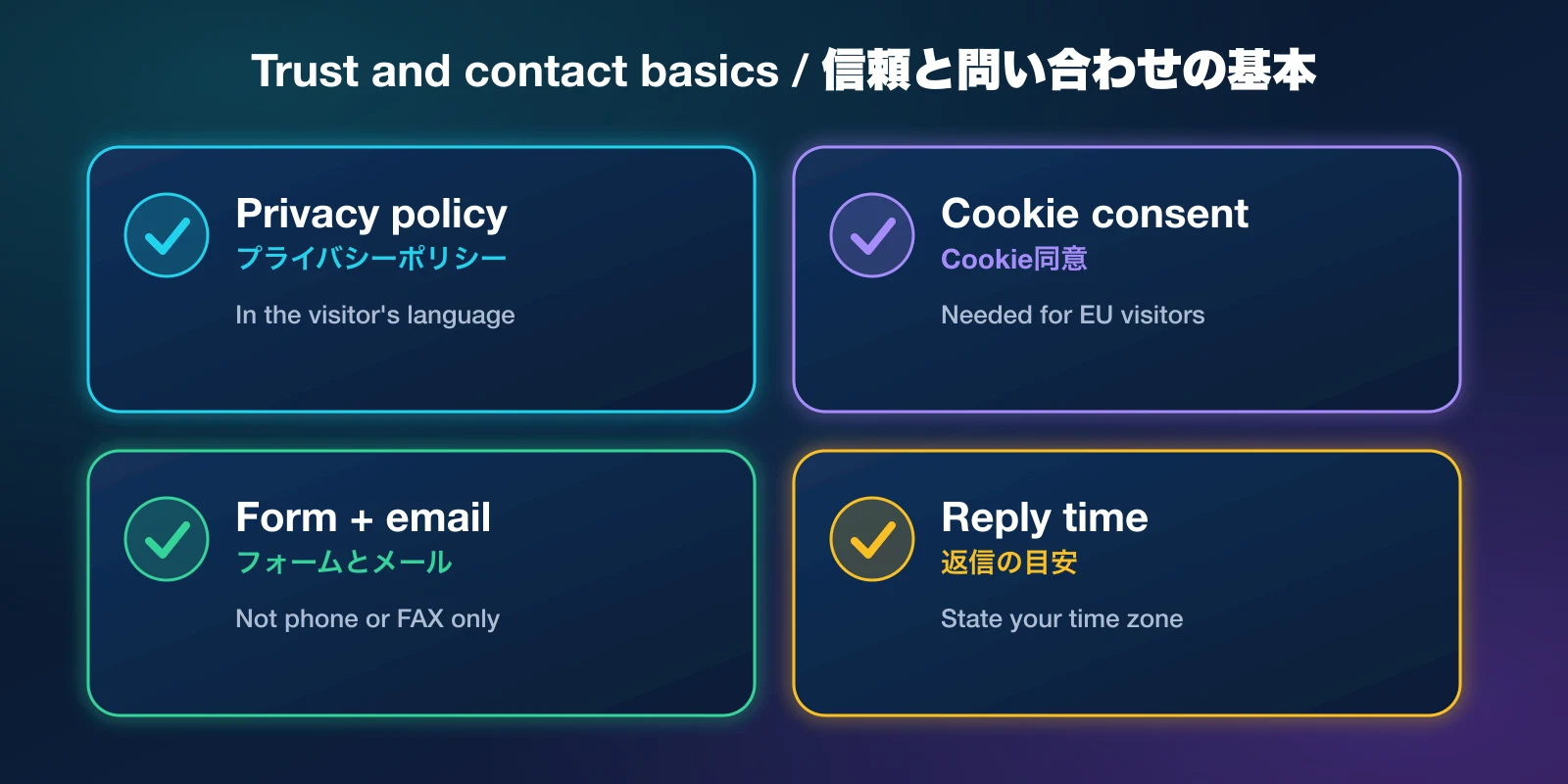
- Privacy policy and cookie notice in the visitor's language. Rules differ by region, for example the GDPR for EU visitors. Check requirements with a legal professional before you publish. This article is not legal advice.
- A contact form and an email address. State when you reply and in which time zone.
- Company facts that match everywhere: name, address, phone, registration details and the languages you support.
- Operations you can really deliver: do not promise overseas shipping, support hours or payment methods you do not offer.
Step 7. Launch, measure and improve each language
- Submit the sitemap and check in Google Search Console that every language URL is indexed.
- Track enquiries by language and by country, not only total traffic.
- Review the pages that get impressions but no clicks, and rewrite their titles and descriptions.
- Add the next language or the next tier of pages once the first one produces results.
How much does it cost?
Our published guide prices start from ¥500,000 for a simple corporate site and from ¥1,000,000 for ecommerce. Localization is quoted on top, based on the number of languages and pages and how much new copy each market needs. For a first estimate, use the pricing calculator, or contact us for a quote.
Frequently asked questions
Can we just add an English page to our Japanese site?
You can start there, but one translated page rarely gets found or trusted. Give it its own URL, write it for the buyer, and link it with the Japanese page through hreflang.
Should we use machine translation?
It can speed up a first draft. Have a fluent speaker review and rewrite it before publishing, and check headlines and calls to action by hand.
Which pages should we do first?
Home, services or products, and contact. Add company, pricing and case studies next.
Do we need a separate domain for each country?
Not usually. Language folders such as /en and /fr on one domain are simpler to manage and keep your site's authority together. A country domain only makes sense for a larger, country-specific operation.
How long does it take?
It depends on the number of pages and languages. A small first phase can be short, but search engines index on their own schedule, so plan to measure over several months.
Ready to reach customers overseas?
IT Support in Tokyo builds and localizes company websites for overseas customers. We work remote-first from Kawasaki, Kanagawa, in English and Japanese. Book a free consultation and tell us your target market.
Related: Localizing for US and Europe · Our services · Web development in Tokyo · Pricing calculator