How to Keep an AI-Built App From Getting Hacked: 9 Checks Before Launch
Key takeaways
A practical prelaunch checklist for AI-built and vibe-coded apps: secrets, admin access, database rules, APIs, XSS, dependencies, rate limits, and production settings.
AI can help you ship an app quickly. Security still needs a deliberate review. The same checks apply whether you wrote every line yourself, used an AI coding assistant, or built by prompting. Here are nine concrete checks to run before a public launch.

In Japanese, バイブコーディング is used for this prompt-led style of development. The term describes a workflow, not a security guarantee. The OWASP Top 10:2025 still puts broken access control, security misconfiguration, supply-chain failures, and injection among major web risks.
1. Check Git, public files, and builds for secrets
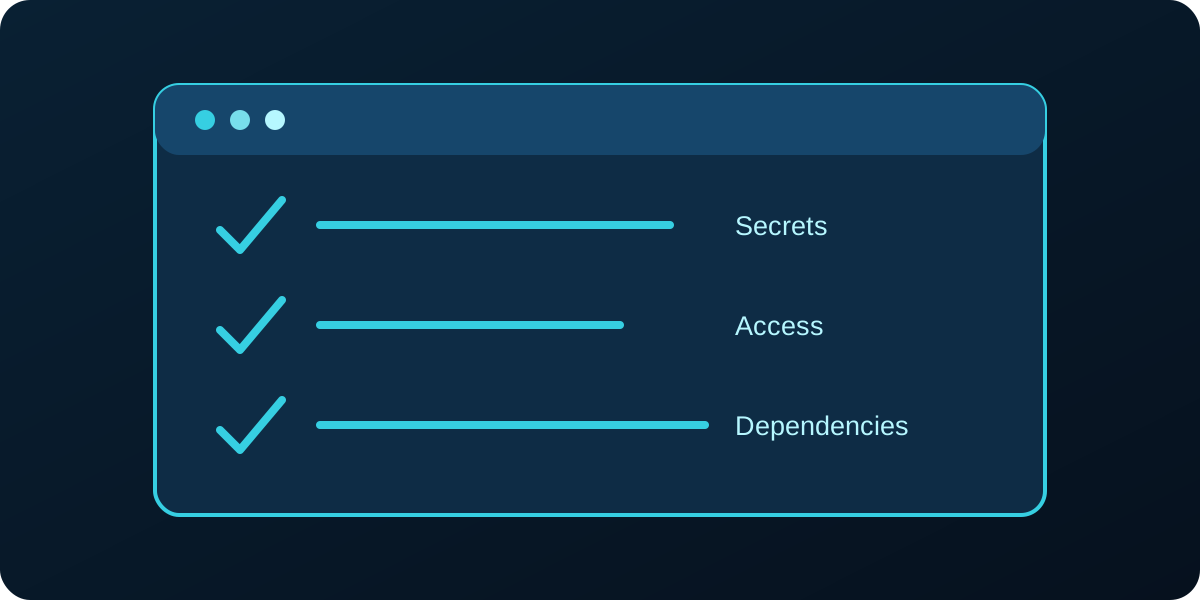
Search the current repository and its history for private keys, database passwords, service-role keys, and AI API tokens. Also inspect public/, deployment artifacts, old ZIP files, and backup archives. If a secret was exposed, removing the file is not enough: rotate the credential and review its use. Keep server secrets in your host's secret store. A browser-visible publishable key is a different category; its permissions still need strict database rules. See the OWASP secrets guidance.
2. Protect admin routes and check authorization on every action
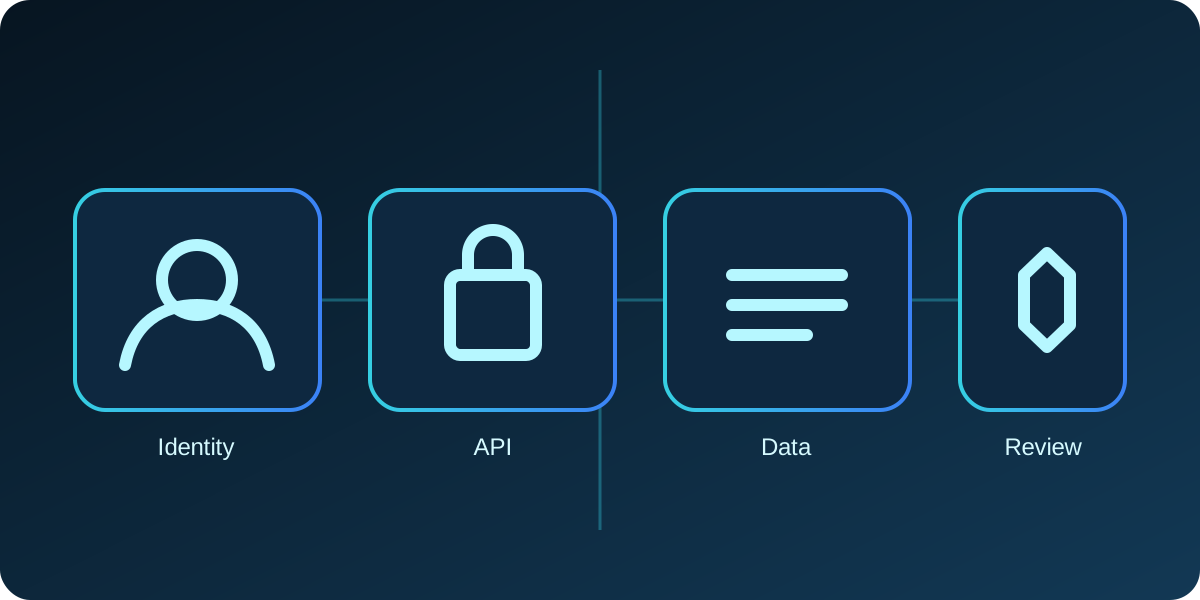
A hidden link is not access control. Verify the signed-in user on the server for admin pages and every admin API or server action. Check the user's role against trusted server-side data, then test direct URL access as a signed-out user and as a normal account. Do the same for record IDs in APIs: a user must not be able to swap an ID and read another customer's data. This is the core of object-level authorization.

3. Lock down database access with row rules and grants
For a browser-connected database, review every exposed table. Enable row-level security where appropriate, remove broad public grants, and test what anonymous, ordinary, and admin users can actually read and change. A public API key does not make customer records public by default; permissive table policies do. Supabase's current RLS guide explains why grants and policies both matter.
4. Put sensitive API and wallet actions behind server checks
For payments, balances, withdrawals, or wallet transfers, authenticate the caller, authorize the specific account and transaction, validate amounts and state transitions, and prevent replay with an idempotency key. Never trust a balance or price sent by the browser. Add request limits and audit logs. For ordinary AI APIs, proxy calls through the server so private model keys never ship to the client.
5. Validate forms and prevent cross-site scripting
Set length and format limits on the server, reject unexpected fields, and escape user content when rendering HTML or email. Rich-text content needs an HTML sanitizer that permits only the tags and URLs you intend to publish. Avoid assigning untrusted strings to innerHTML. A Content Security Policy can add another layer, but it does not replace safe rendering. Follow OWASP's XSS prevention guidance.
6. Rate-limit costly or public endpoints
Contact forms, login, AI chat, password reset, and email-sending endpoints are easy to abuse. Limit requests by a suitable mix of account, IP, session, and action; use CAPTCHA where it helps; and return a clear retry response. Keep the limiting decision on the server. A client-only cooldown does not stop direct API requests.
7. Review dependencies and remove unused packages
Inventory packages and remove ones the app no longer uses. Run a dependency audit, review update notes, and lock versions in the build. Check transitive dependencies and scripts, especially when an AI assistant suggests a new package. The 2025 OWASP list explicitly calls out software supply-chain failures.
8. Check production configuration and security headers
Disable debug output and test accounts before launch. Restrict CORS to origins that need it, check that backups and source maps are not publicly served, and add appropriate response headers. Test the deployed app, not only localhost; build-time environment variables and hosting defaults can change the result.
9. Use managed authentication and safe password handling
Prefer a mature authentication provider. If your app must store passwords, use a well-maintained password hashing scheme with a unique salt and suitable work factor; never store plaintext or a fast general-purpose hash. Enable multifactor authentication for administrators, protect password-reset flows, and review sessions after a role change.

A practical launch test
Try the app as a stranger, a regular user, and an admin. Attempt direct API requests, inspect network responses for private data, submit HTML-like input, and verify that the database denies records you do not own. Have a human review the findings and retest after fixes. Japan's IPA AI security guidance is a useful companion for teams introducing AI into development.
Need a second set of eyes on an AI-built product? Ask our team for a security review before you put customer data or payments behind it.