Mac Running Slow? Why a Full Drive Slows PCs, Phones & AI
Key takeaways
Yes, a nearly full drive slows your computer, phone and on-device AI. Here is why, how much space to keep free, and how to get it back with VirtualDrive.
Yes. When your drive is nearly full, your computer, your phone and even on-device AI get slower. An SSD needs empty space to manage its own writes, your operating system needs room for swap memory and updates, and AI features need gigabytes of their own. The fix is to delete what you do not need and move the rest to cloud storage that keeps files online-only, such as VirtualDrive and VirtualDrive for Mac.
Disclosure: IT Support in Tokyo worked on VirtualDrive’s public web experience. Technical facts were checked on vendor support pages on November 26, 2026.
- SSDs: performance “begins to decline after it reaches about 50% full” (Seagate).
- Phones: “Your phone can have issues when less than 10% of storage is available” (Google).
- Windows: low storage brings “slower performance or trouble installing Windows updates” (Microsoft).
- AI: Apple Intelligence uses up to 8–14 GB; Chrome’s Gemini Nano needs 22 GB free; local AI models are 4.9–243 GB.
- Fix: free space and keep big files online-only. VirtualDrive gives 20 GB free; its Mac app’s Space Saver keeps files in the cloud until you open them.

Does a full drive make your computer slow?
It does, and for three separate reasons. Each one gets worse as free space disappears.
1. Your SSD needs empty space to work fast
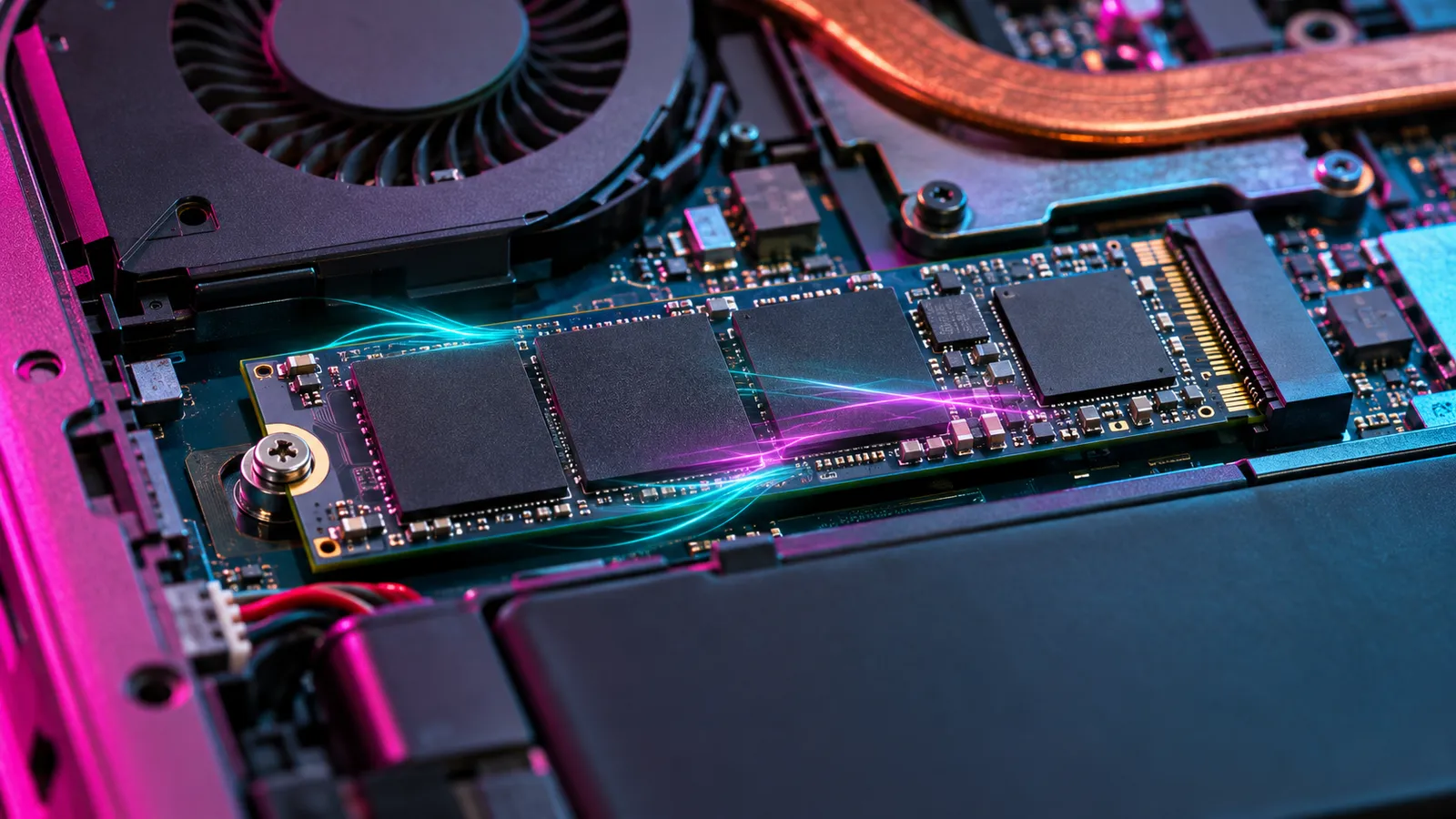
An SSD cannot simply overwrite old data. It writes into empty blocks and later cleans up the old ones in the background (garbage collection). When the drive is nearly full there are few empty blocks, so it has to move and rewrite more data for every save. Seagate puts it plainly: “In practice, an SSD’s performance begins to decline after it reaches about 50% full,” and “higher write amplification results in more frequent write operations, which can slow down SSD performance over time.” More free space lets the SSD “manage garbage collection more efficiently.”
2. Memory spills onto the disk (swap and the page file)
When apps need more memory than your Mac or PC has, the system moves data out of RAM onto the drive. Apple’s Activity Monitor calls this Swap Used: “the amount of space being used on your startup disk to swap unused files to and from RAM.” Windows does the same with a page file, which can grow up to three times the physical memory, Microsoft notes, as long as “enough free disk space is available.” On a full drive there is little room left to swap into, and every app switch, browser tab and AI tool feels it.

3. Updates, caches and temporary files need room
Microsoft warns that when “your PC is running out of storage space, you may notice slower performance or trouble installing Windows updates.” Apple says freeing space helps with tasks that “temporarily require a lot of space, such as installing macOS updates” (Optimize storage on Mac). Browsers, photo apps and AI tools also write caches all day; on a full disk they fail, retry or slow down.
How much free space is enough? No vendor publishes one number for computers. Our rule of thumb at IT Support in Tokyo: keep at least 20% of your computer’s drive free, and more if you edit video or run local AI models.
Why a phone with full storage slows down
Phones fill up fastest with photos, videos and chat media. Google’s Pixel help is direct: “Your phone can have issues when less than 10% of storage is available,” and its Android guide says you can clear space “to download more apps and media, or help your phone run better” (Android Help). On an iPhone, iOS starts removing things you can download again when the device is low on storage, such as unused apps (Apple’s iPhone storage guide). That keeps the phone going, but you lose apps you meant to keep, and photos stay where they are.

Full storage slows AI on your computer and phone, too
AI is no longer only in the cloud. Many features now run on the device, and they need storage you might not have.
| AI feature | Storage it needs | Source |
|---|---|---|
| Apple Intelligence (iPhone, iPad, Mac) | Up to 8 GB; up to 14 GB on iPhone 17 Pro, iPhone Air and iPads with M4 and later | Apple |
| Gemini Nano built into Chrome (computer) | At least 22 GB free on the drive with your Chrome profile | Chrome for Developers |
| Copilot+ PC | 256 GB SSD minimum, 16 GB RAM, 40+ TOPS NPU | Microsoft |
| Local model: Llama 3.1 via Ollama | 4.9 GB (8B), 43 GB (70B), 243 GB (405B) | Ollama |
Local models are loaded into memory to run. When a model is larger than the free RAM, the system swaps to the disk, and on a nearly full drive that is where an AI app slows to a crawl. AI tools also create a lot of files: image generations, video exports and voice recordings pile up quickly. Cloud chatbots in a browser do not store models on your disk, but if the computer itself is struggling, they still feel slow.

How to free up space safely (Mac, Windows, iPhone, Android)
- See what is using space. Mac: System Settings → General → Storage. Windows: Settings → System → Storage (turn on Storage Sense, which “can automatically free up drive space for you”). iPhone: Settings → General → iPhone Storage. Android: Settings → Storage.
- Empty the obvious places. Downloads, the Trash or Recycle Bin, old installers and duplicate videos.
- Remove apps you do not use. Games and editing apps are often several gigabytes each.
- Move big files to the cloud as online-only. Photos, videos, AI exports and finished projects do not need to live on your device. Keep them in cloud storage and download them only when you need them.
- Keep a second copy of anything important before you delete the local file.
Free up space with VirtualDrive and VirtualDrive for Mac
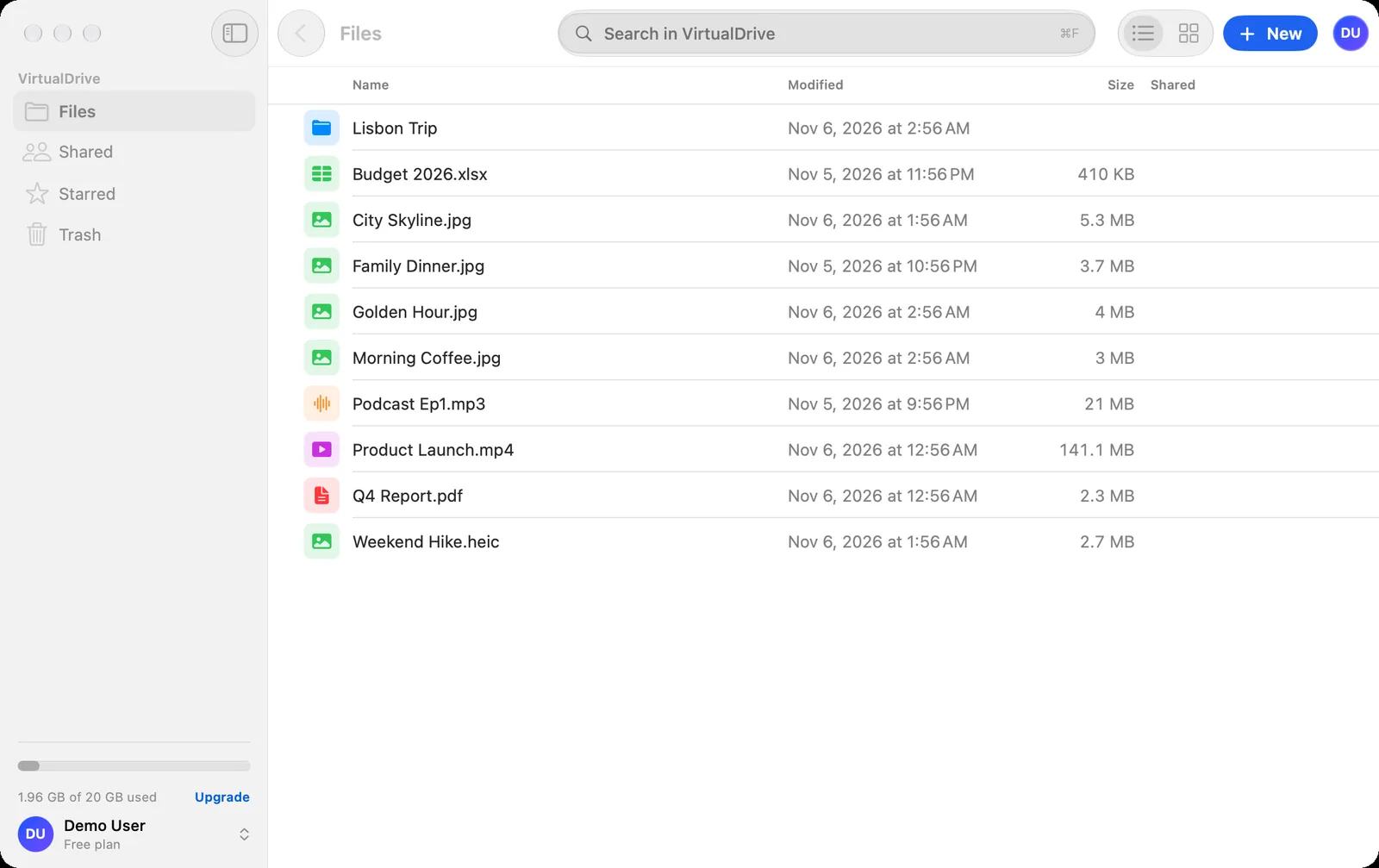
VirtualDrive is encrypted cloud storage that starts with 20 GB free, with no credit card, and says it never trains AI on your files. It works on the web, iPhone and iPad, Android and Mac.
On a Mac: Space Saver keeps files online-only
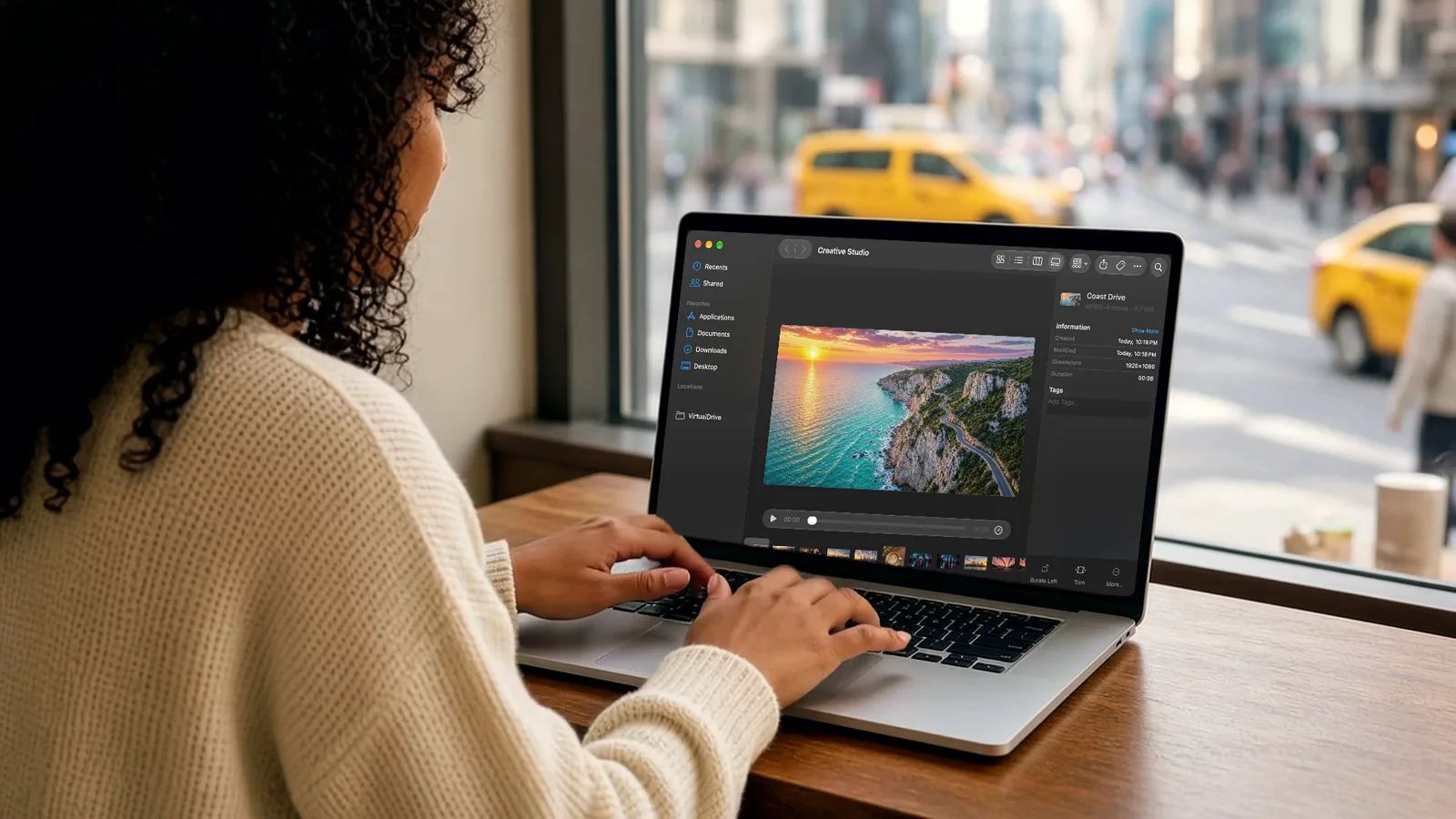
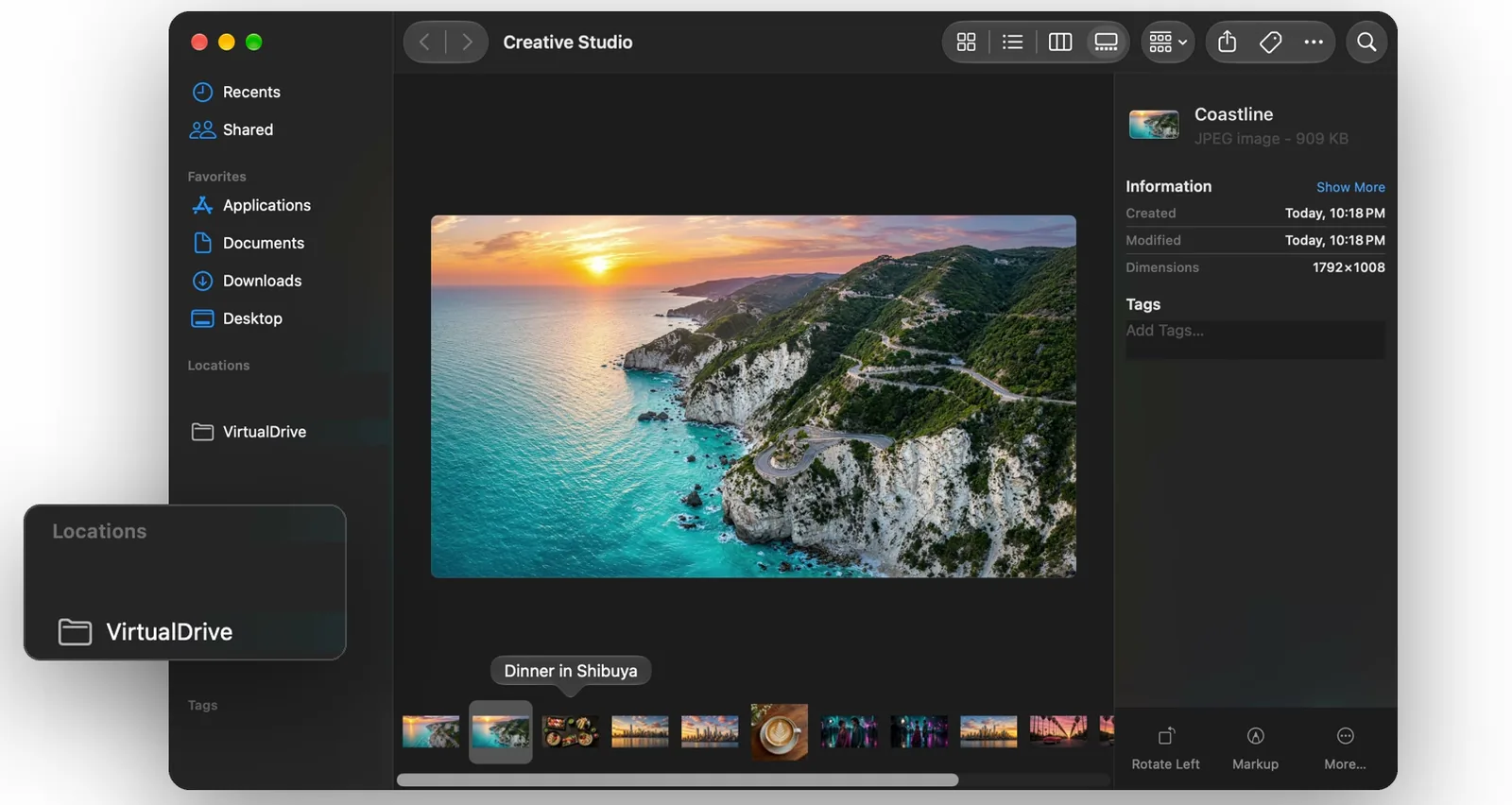
VirtualDrive for Mac is on the Mac App Store. It adds a VirtualDrive folder to the Finder sidebar, shows sync status in the menu bar and runs natively on Apple silicon. The feature that matters here is Space Saver: “Keep files in the cloud and download them only when you open them, so your Mac’s disk stays free.” You choose it during setup and can change it any time.
On a phone: back up, check, then delete
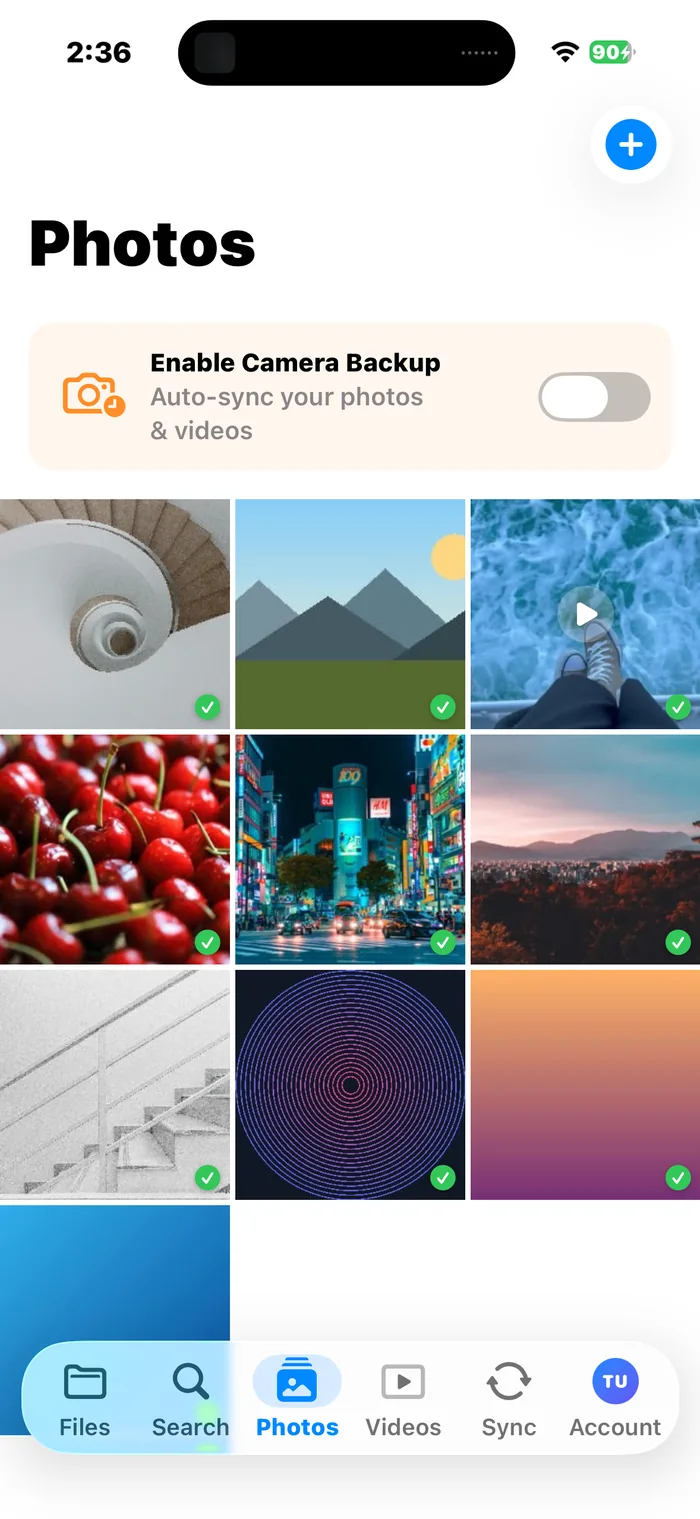
The VirtualDrive app backs up photos and videos from your phone automatically in the background, on iPhone and Android. Backing up does not free space by itself. Once the backup is done, open a few files in the app to confirm they are there, then delete the originals from your phone to get the space back.

What to know before you move everything
- Plans: Free 20 GB. Pro 2 TB for $9.99 a month on the web, $12.99 in the iOS app because of Apple’s in-app purchase fee.
- File size: up to 500 MB per file on the free plan, 5 GB on Pro and Ultra (FAQ).
- Security: AES-256 at rest and TLS in transit, but not end-to-end encrypted.
- No version history: upload important work into dated folders, and keep a second copy of anything you cannot replace.
- Windows: a Windows app is listed as coming soon; use the web app until then.

Frequently asked questions
Does a full SSD make a computer slower?
Yes, when it is nearly full. Seagate says an SSD's performance begins to decline after it reaches about 50% full, because the drive has fewer free blocks for garbage collection and has to rewrite more data (write amplification). Your operating system also needs free space for swap or the page file and for updates.
How much free space should I keep?
There is no single official number for computers. Google says a phone can have issues when less than 10% of storage is free. Our rule of thumb at IT Support in Tokyo is to keep at least 20% of a computer's drive free, and more if you run local AI models or edit video.
Can full storage make AI slow?
On-device AI needs disk space of its own: Apple Intelligence uses up to 8 GB (up to 14 GB on newer models) and Chrome's built-in Gemini Nano needs at least 22 GB free. Local models such as Llama 3.1 are 4.9 GB to 243 GB, and when they do not fit in memory the system swaps to the disk. Cloud chatbots in a browser do not need disk space, but a struggling computer still makes them feel slow.
Does moving files to cloud storage free up space?
Only if the local copy is removed. A plain backup leaves the file on your device. VirtualDrive for Mac has Space Saver, which keeps files online-only and downloads them when you open them. On a phone, back up photos and videos, check they open in the app, then delete them from the phone yourself.
How much does VirtualDrive cost?
VirtualDrive starts with 20 GB free with no credit card. Pro is 2 TB for $9.99 a month on the web ($12.99 in the iOS app because of Apple's in-app purchase fee). Free accounts can upload files up to 500 MB each; Pro and Ultra up to 5 GB.
Get your space back.
Move photos, videos and finished projects to VirtualDrive and keep them online-only. Start with 20 GB free.
Create your free VirtualDrive accountMac / iPhone and iPad / Android / Web
Need help with a slow office PC or Mac?
We look after computers, phones and cloud storage for small businesses. English and Japanese, based in Kawasaki, working remotely across Japan.
Related: Best free cloud storage in 2026 · Top cloud storage apps · Cloud storage apps for Android · Cloud storage for AI content · VirtualDrive vs GigaFile
Sources
All pages checked November 26, 2026. Features, prices and requirements can change.
- Seagate, SSD over-provisioning and performance
- Apple, Optimize storage space on your Mac and Activity Monitor: memory usage
- Microsoft, Free up drive space in Windows, Introduction to the page file and Windows 11 specifications
- Apple, How to check the storage on your iPhone and iPad and Apple Intelligence storage requirements
- Google, Pixel storage help and Free up space on Android
- Google, Get started with built-in AI in Chrome
- Ollama, Llama 3.1 model sizes
- VirtualDrive, home, VirtualDrive for Mac, FAQ and plans and limits